Loading video…
All breakouts
28.4App DemoHow-To hookEducation
Hook
Desktop ပေါ်တွင် Folder အသစ်ဆောက်နည်း
@myanmarpyi.technology
235.2K followers · usually 1.3K views a post
Views
36.9K
Likes
2.8K
Comments
7
Shares
70
Why it worked
The video provides a quick and easy-to-follow tutorial for a common computer task, making it highly shareable and useful for a broad audience.
Summary
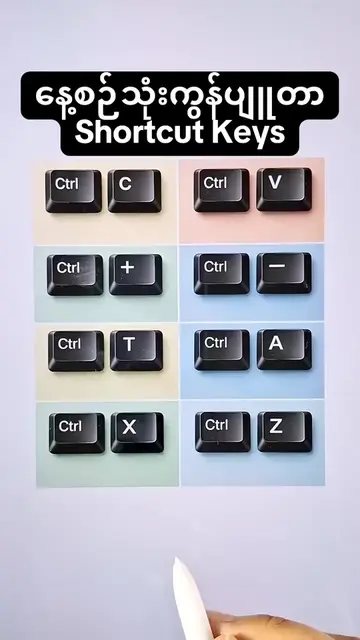
The video demonstrates how to create a new folder on a desktop by pressing the keyboard shortcut Ctrl + Shift + N. It shows the keys being pressed and the resulting new folder appearing on the screen.
Structure
- 1Show keyboard shortcut 'Ctrl + Shift + N'
- 2Press Ctrl key
- 3Press Shift key
- 4Press N key
- 5Show new folder creation
On-screen text
Desktop ပေါ်တွင်
Folder အသစ်ဆောက်နည်း
Ctrl + Shift + N
Transcript
Ctrl + Shift + N Ctrl ရဲ့ Shift ရဲ့ N ရဲ့ ဒီ သုံးခုကို တွဲနှိပ်ရင် Folder အသစ်ဆောက်တာ ဖြစ်ပါတယ်
Original caption
Desktop ပေါ်တွင် Folder အသစ်ဆောက်နည်း
More from @myanmarpyi.technology
More breakout videos from this creator.