Loading video…
All breakouts
11.2Talking HeadHow-To hookEducation
Hook
How To Request An AMEX Credit Limit Increase 💳
@maliktalksreal
26.0K followers · usually 2.1K views a post
Views
22.9K
Likes
1.1K
Comments
50
Shares
20
Why it worked
The video provides a clear, step-by-step tutorial on a topic many users are interested in: increasing their credit limit. By showing the actual app interface and explaining the process visually, it offers practical, actionable advice that is easy to follow.
Summary
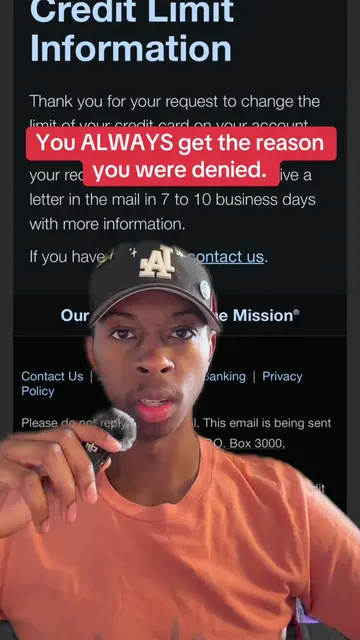
The creator demonstrates how to request a credit limit increase on an American Express card through the mobile app. They explain the eligibility requirements, the process of navigating the app to find the credit limit increase option, and the importance of maintaining high available credit. The video also shows what the screen looks like if you are eligible versus ineligible for an increase.
Structure
- 1Introduction to credit limit increases and their importance
- 2Navigating the American Express app to find the credit limit increase option
- 3
Original caption
How to request an American Express credit limit increase 💳 I recently requested a credit limit increase on my AMEX Marriott Bonvoy Brilliant and went from a $14,000 limit to $17,500. Here’s exactly where to find the credit limit increase option in the AMEX app and how I submitted my request. Approval and eligibility are never guaranteed, but it may be worth checking if you’ve had your card for a while and managed your credit responsibly. #AmericanExpress #CreditLimitIncrease #CreditCards #CreditTips #creatorsearchinsights
More from @maliktalksreal
More breakout videos from this creator.