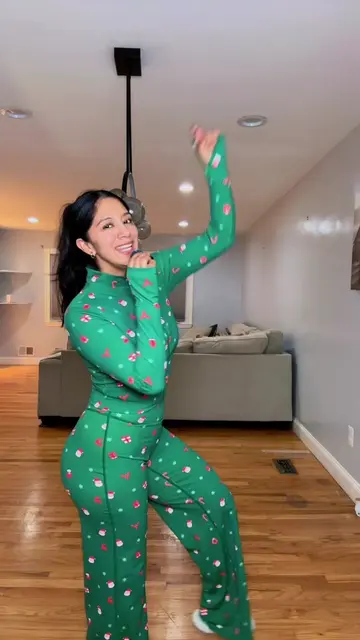
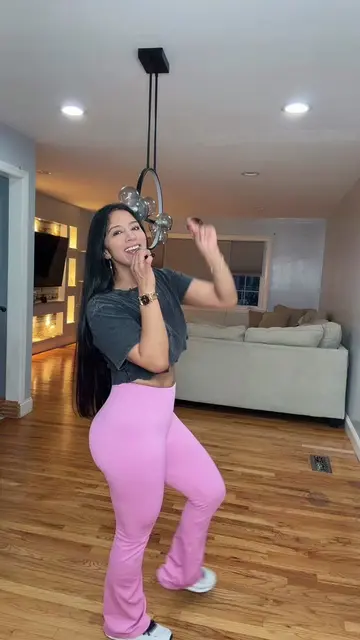
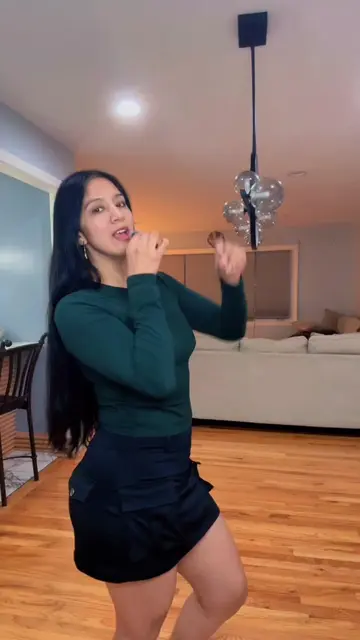
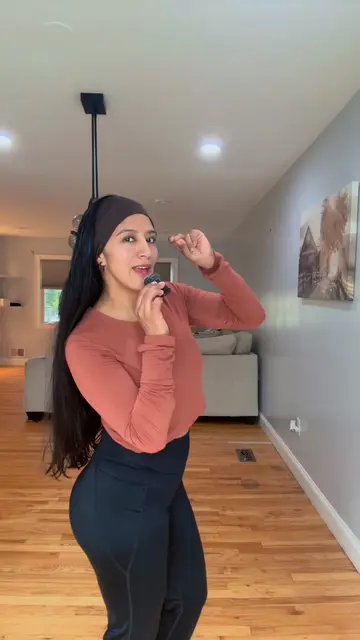
Loading video…
Sound

original sound - susana200889
Susy 🍃 · Original audio
0:00–:––
This video promotes it, but we haven’t matched it to a product page yet, so there are no product figures.
The video provides a highly requested, practical tutorial on a common pain point for content creators, using the platform's own native tools to solve the problem efficiently.
The creator demonstrates a step-by-step tutorial on how to find and integrate memes into videos using the built-in TikTok search and editing tools. She guides the viewer through downloading a meme from TikTok and using the platform's editor to insert it into their own content.
Como agregar memes a tus vídeos #memes #creadoresdecontenido #contentcreator #stepbystep #tips
Como agregar memes a tus videos
Introduction to adding memes to videos
Searching for memes within the TikTok app
Downloading a meme video to the gallery
Using the TikTok editor to split the main video
Inserting the downloaded meme into the timeline
Adjusting the meme size and trimming the clip
TikTok: (a) ACTS — the creator uses the TikTok search bar, the TikTok video editor, and the TikTok interface to demonstrate how to find and add memes to a video. Removing it would change the entire video as it is a tutorial on using these specific platform features. CapCut: (a) ACTS — a watermark for CapCut appears on a video template being selected by the creator. It is a tool being operated to create the result. Removing it would change the video as it identifies the specific editing tool used for the template.
Promotes 3 products. Create free account to see more.
Outliers and viral hits: their videos on Overshot, all time.