Loading video…
Sound

original sound - digitalgeniushubj
Digital Genius Hub J. · Original audio
0:00–:––
Playing this video’s own audio, so you’ll hear the creator over the sound.
The video taps into a common desire for personalization and a bit of playful deception on smartphones. By demonstrating a practical and visually engaging trick with popular apps like WhatsApp and Instagram, it creates immediate curiosity and shareability.
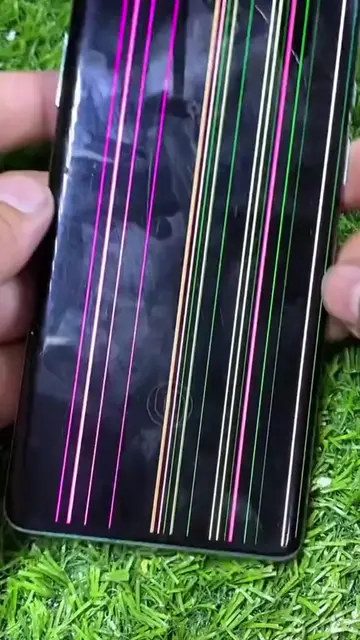
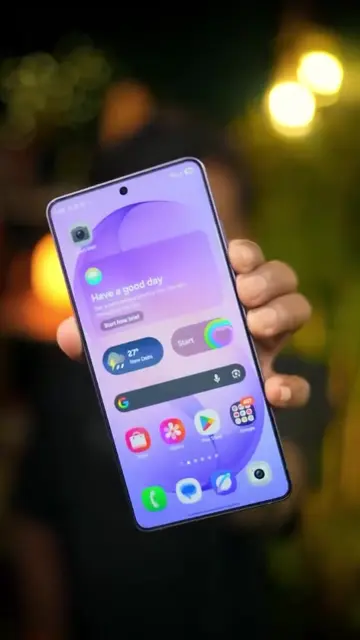
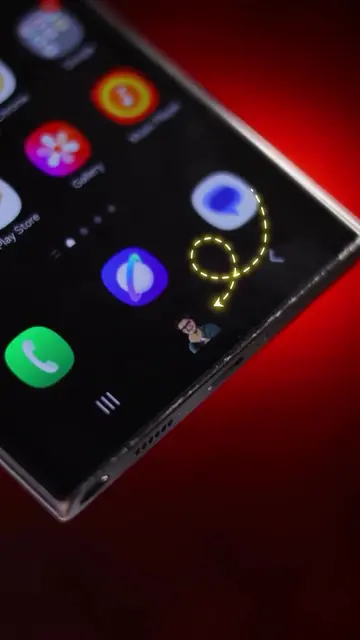
This video demonstrates how to change app icons on an Android phone using the 'X Icon Changer - Change Icons' app. It shows how to replace the WhatsApp icon with a calculator icon and the camera icon with the Instagram icon, effectively tricking users into opening the wrong app.
Waise ap kis time sote ho 🧐 . . . . #trending #explorepage #tiktokgrowthchallenge
Hy
Introduce the problem of changing app icons
Showcase the 'X Icon Changer' app
Demonstrate changing WhatsApp to Calculator
Demonstrate changing Camera to Instagram
Explain how to use the app
Call to action to like and follow
Essentials Fear of God: appears, removing it would not change what happens in the video. Zomato: appears, removing it would not change what happens in the video. WhatsApp: acts, its interface is operated to show a calculator, removing it would change what happens in the video. Calculator: acts, its interface is operated to show a calculation, removing it would change what happens in the video. Instagram: acts, its interface is operated to show a feed, removing it would change what happens in the video. X Icon Changer - Change Icons: acts, its interface is operated to change app icons, removing it would change what happens in the video.
Follow
Playing this video’s own audio, so you’ll hear the creator over the sound.
Promotes 25 products. Create free account to see more.
Outliers and viral hits: their videos on Overshot, all time.
Android app for customizing app icons and names on a phone
All time.