Loading video…
Sound

original sound - whhy099
TK小辉独享节点 · Original audio
0:00–:––
Playing this video’s own audio, so you’ll hear the creator over the sound.
The video addresses a common pain point for TikTok creators (throttling) and provides a practical, step-by-step solution involving app and phone settings. The clear demonstration and explanation of the cause and effect make it highly shareable and useful.
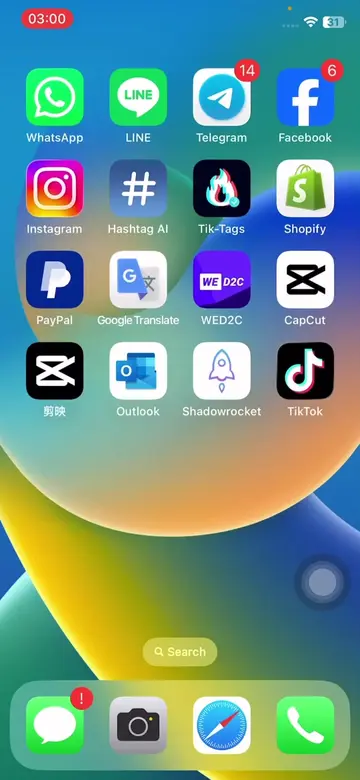
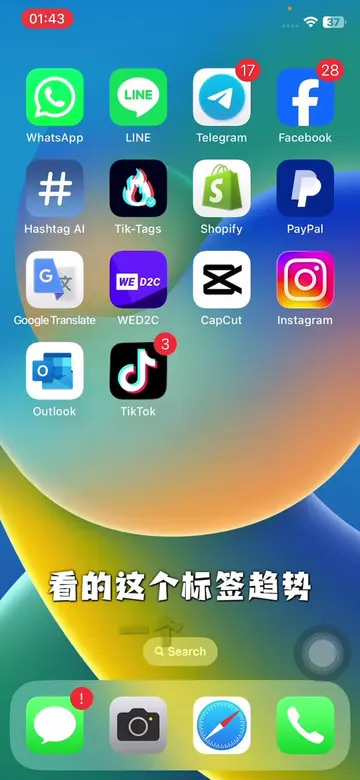
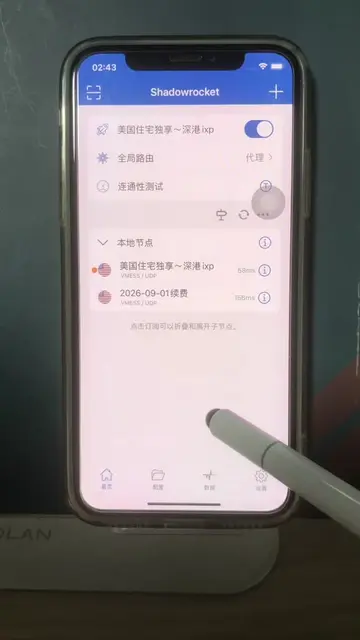
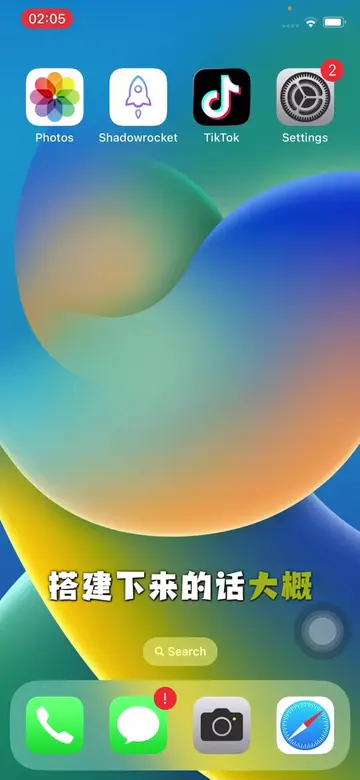
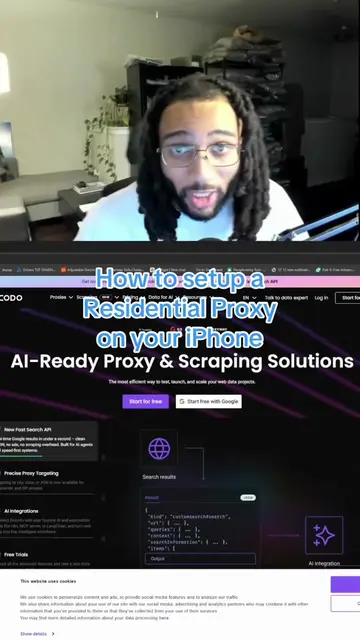
The video demonstrates how to configure the Shadowrocket app and iPhone settings to avoid network throttling on TikTok. It explains that by setting the routing mode to 'proxy' in Shadowrocket, disabling personalized ads in iPhone settings, and turning off background app refresh, users can prevent their TikTok content from being limited.
#短视频 #跨境电商 #节点 #节点搭建 #vpn
TK视频
Introduction to the problem of TikTok throttling
Configuring Shadowrocket app settings
Disabling personalized ads in iPhone settings
Turning off background app refresh in iPhone settings
Explanation of how these settings prevent throttling
Shadowrocket (ACTS): An app that manages network connections, likely for VPN or proxy services. Removing it would change what happens in the video. TK (APPEARS): A watermark on the video, likely referring to TikTok. Removing it would not change what happens in the video.
Playing this video’s own audio, so you’ll hear the creator over the sound.
Promotes 2 products. Create free account to see more.
Outliers and viral hits: their videos on Overshot, all time.
IPhone proxy utility app for users configuring VPN and proxy connections
All time.