Loading video…
All breakouts
48.8App DemoOther hookCreator Economy
Hook
PORTRAIT
@haffu.photo
962.5K followers · usually 60.3K views a post
Views
6.3M
Likes
103.9K
Comments
132
Shares
13.6K
Promoted product
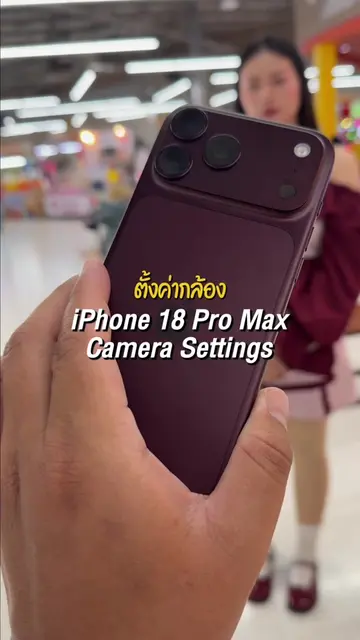
iPhone 17 Pro Max
Why it worked
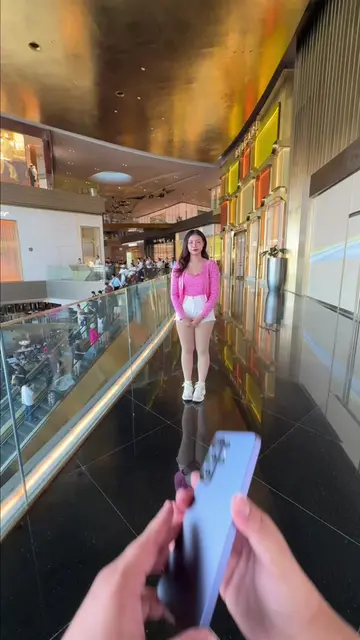
The video effectively demonstrates the capabilities of the iPhone camera for portrait photography, providing practical editing tips that viewers can apply to their own photos, making it a valuable and shareable tutorial.
Summary
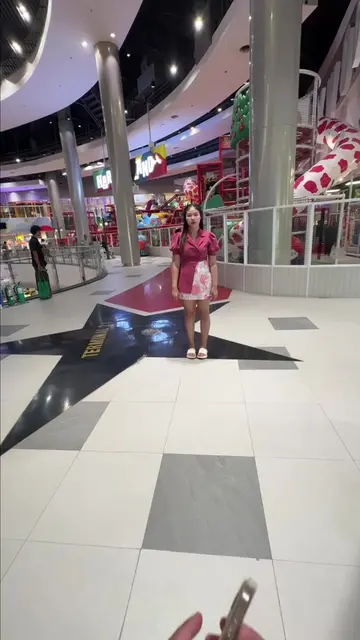
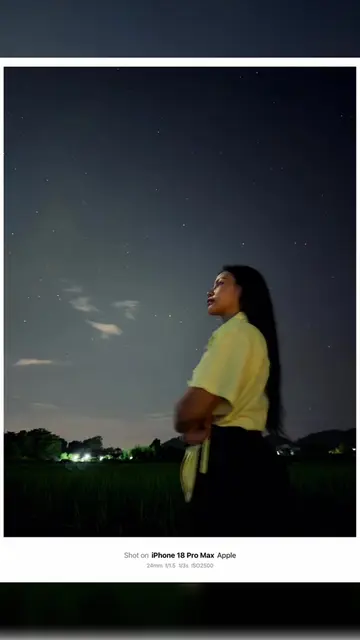
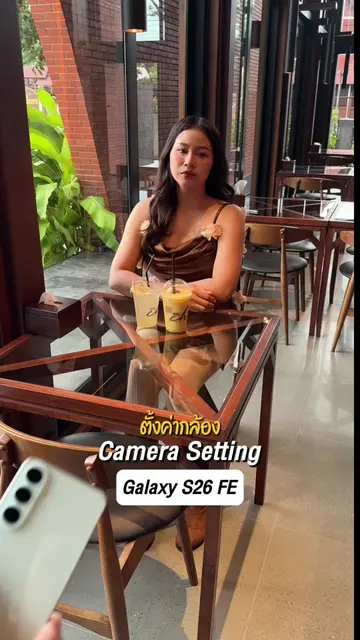
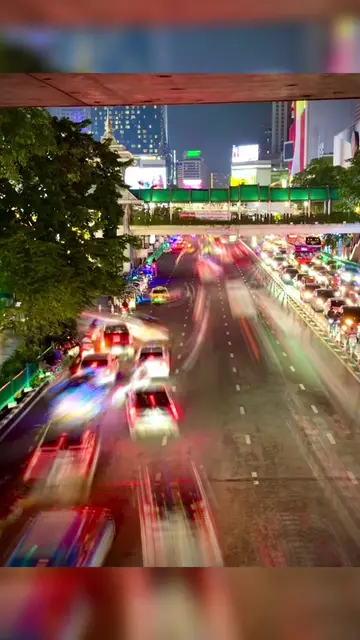
The video demonstrates how to take and edit photos using an iPhone 17 Pro Max. It showcases the portrait mode, studio light effect, lens zoom, and various editing adjustments like exposure, contrast, and color balance.
Structure
- 1Showcase iPhone camera interface
- 2Demonstrate portrait mode and studio light
- 3Adjust zoom and aperture
- 4Apply various photo edits
- 5Show final edited photo
Product placement
iPhone 17 Pro Max: ACTS - it is used to take and edit photos, and its capabilities (portrait mode, studio light, lens zoom, exposure, brilliance, highlights, shadows, contrast, brightness, black point, saturation, vibrance, warmth, tint) are demonstrated. Removing it would change what happens in the video. Apple: APPEARS - it is the manufacturer of the iPhone, but its logo is not explicitly shown and it does not ACT. Removing it would not change what happens in the video.
On-screen text
Original caption
iPhone Photo Editing Tips. #ช่างภาพนะฮราฟฟู่ว #ถ่ายไงได้งี้ #เทคนิคดีบอกต่อ #สอนถ่ายรูป #iphone
More from @haffu.photo
More breakout videos from this creator.