Loading video…
Sound

original sound - ช่างภาพนะฮราฟฟู่วว
ช่างภาพนะฮราฟฟู่วว · Original audio
0:00–:––
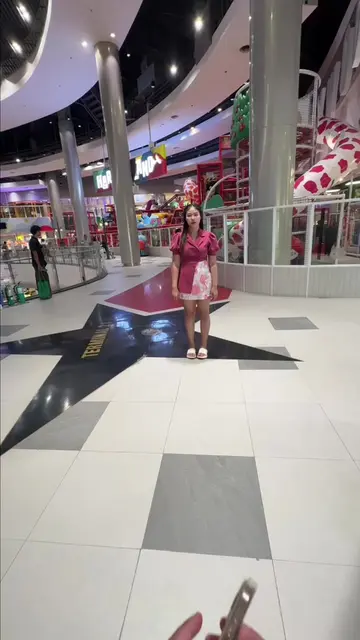
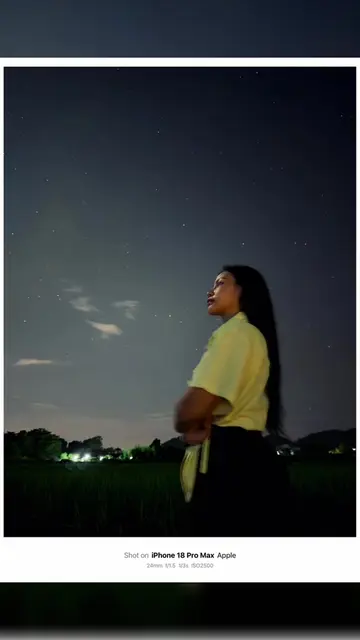
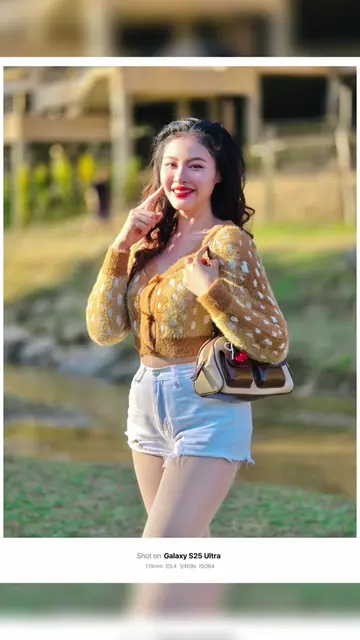
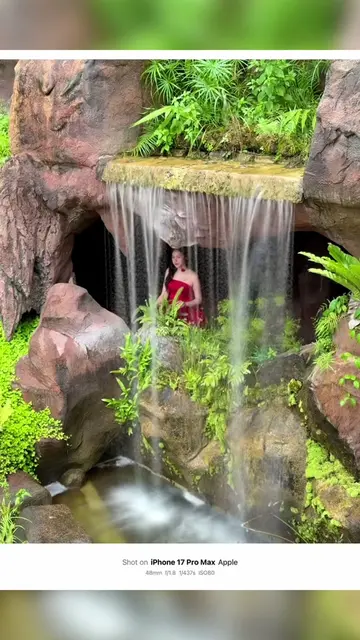
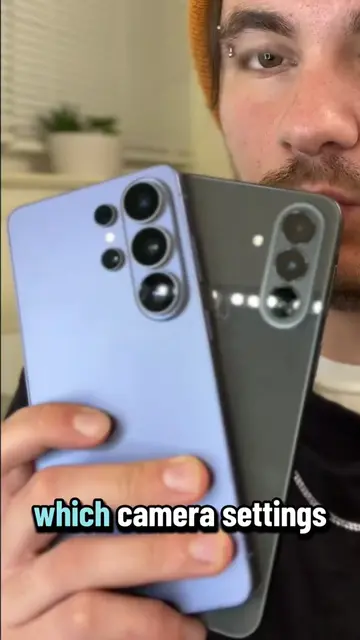
The video provides a clear, step-by-step tutorial on how to optimize camera settings for a popular smartphone model, directly addressing a common user need for better photography. The visual demonstration combined with on-screen text makes the information easily digestible and actionable.
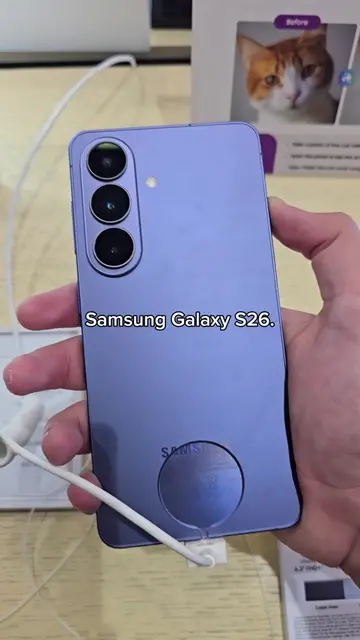
This video demonstrates how to adjust various camera settings on a Samsung Galaxy S26 FE, including photo enhancer options, video stabilization, composition guides, and portrait mode adjustments like studio lighting, exposure, and skin smoothness. The creator shows how to navigate through the camera settings menu to customize these features for better photo quality.
Samsung Camera Settings #ช่างภาพนะฮราฟฟู่ว #ถ่ายไงได้งี้ #เทคนิคดีบอกต่อ #GalaxyS26
Camera Setting Galaxy S26 FE
Opening shot of the phone
Navigating camera settings
Adjusting photo enhancer and format
Configuring video settings
Enabling composition guides
Adjusting portrait mode settings (lighting, exposure, skin smoothness)
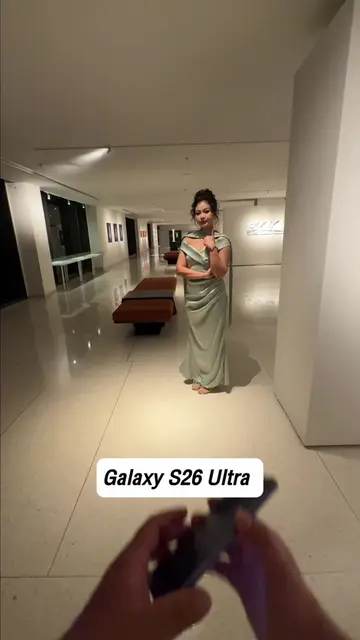
Final shot of the phone with settings applied
Samsung Camera Setting (ACTS - interface operated, changes camera settings, removing it would change what happens in the video) Galaxy S26 FE (ACTS - the phone whose camera settings are being adjusted, removing it would change what happens in the video) HEIF (APPEARS - file format mentioned, removing it would not change what happens in the video) JPEG (APPEARS - file format mentioned, removing it would not change what happens in the video) RAW (APPEARS - file format mentioned, removing it would not change what happens in the video) Pro mode (ACTS - a mode on the camera being selected and configured, removing it would change what happens in the video) Photo enhancer (ACTS - a feature being adjusted, removing it would change what happens in the video) Scene detection (ACTS - a feature being toggled, removing it would change what happens in the video) Video stabilisation (ACTS - a feature being toggled, removing it would change what happens in the video) Tracking auto focus (ACTS - a feature being toggled, removing it would change what happens in the video) Composition guide (ACTS - a feature being toggled and configured, removing it would change what happens in the video) Grid lines and level (APPEARS - an option within Composition guide, removing it would not change what happens in the video) Grid lines only (APPEARS - an option within Composition guide, removing it would not change what happens in the video) Level only (APPEARS - an option within Composition guide, removing it would not change what happens in the video) Studio lighting effect (ACTS - a lighting effect being adjusted, removing it would change what happens in the video) Exposure (ACTS - a camera setting being adjusted, removing it would change what happens in the video) Skin smoothness (ACTS - a camera setting being adjusted, removing it would change what happens in the video)
Promotes 1 product. Create free account to see more.
Outliers and viral hits: their videos on Overshot, all time.
Phone camera app for Samsung users adjusting photo and video settings
All time.