Loading video…
All breakouts
31.5Talking HeadOther hookCreator Economy
Hook
Galaxy S25 Ultra
@haffu.photo
962.5K followers · usually 60.3K views a post
Views
955.6K
Likes
37.4K
Comments
228
Shares
3.7K
Why it worked
The video effectively demonstrates the practical application of the phone's camera features in a visually appealing way, using a clear subject and showcasing the results of different settings, which appeals to users interested in mobile photography.
Summary
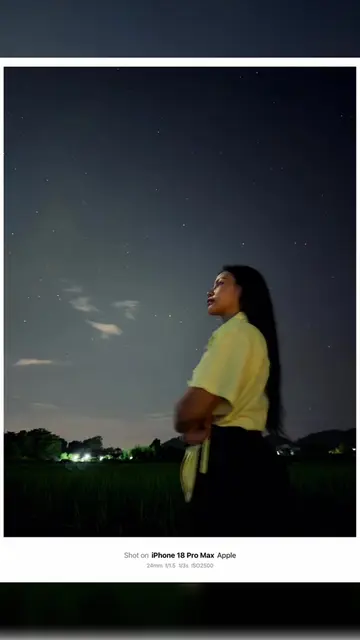
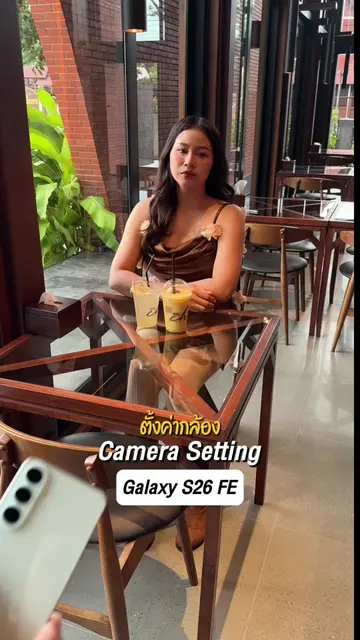
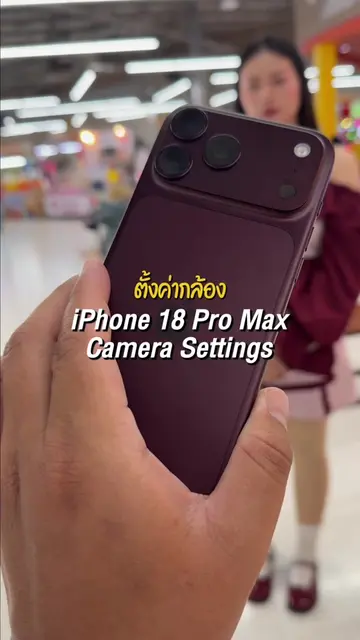
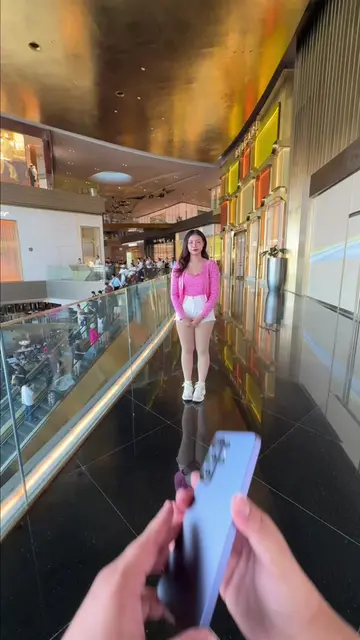
The video showcases the camera features of the Samsung Galaxy S25 Ultra by demonstrating portrait mode, skin smoothness adjustments, exposure control, and zoom capabilities. The creator takes several photos of a model, highlighting the phone's ability to capture high-quality images with various effects.
Structure
- 1Showcasing the phone and its camera interface
- 2Demonstrating portrait mode and skin smoothness settings
- 3Adjusting exposure and zoom levels
- 4Applying studio lighting effects
- 5Capturing final portrait shots
Product placement
Samsung Galaxy S25 Ultra: ACTS - it is used to take photos, demonstrating its camera features like portrait mode, skin smoothness adjustment, exposure control, zoom lens, and studio lighting effects. Removing it would change what happens in the video.
On-screen text
Galaxy S25 Ultra
Skin smoothness +2
ผิวเรียบเนียน +2
Exposure = +0.3
การรับแสง = +0.3
Lens x5
เลนส์ x5
STUDIO = 5
สตูดิโอ = 5
Shot on Galaxy S25 Ultra
115mm f/3.4 ISO320 1/60s
Shot on Galaxy S25 Ultra
115mm f/3.4 ISO320 1/60s
Shot on Galaxy S25 Ultra
115mm f/3.4 ISO320 1/60s
Original caption
Galaxy S25 Ultra #ช่างภาพนะฮราฟฟู่ว #ถ่ายไงได้งี้ #เทคนิคดีบอกต่อ #สอนถ่ายรูป #samsung
More from @haffu.photo
More breakout videos from this creator.