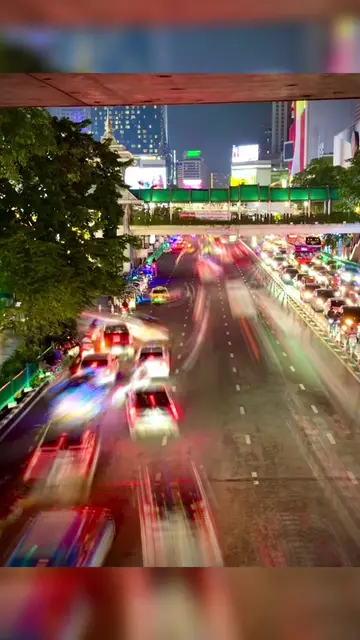
Loading video…
All breakouts
25.9App DemoOther hookCreator Economy
Hook
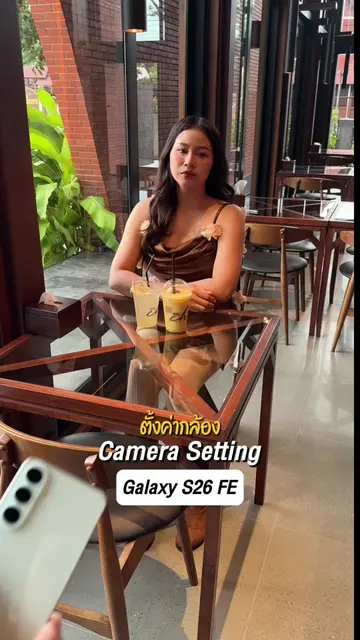
ตั้งค่ากล้อง
@haffu.photo
962.5K followers · usually 60.3K views a post
Views
1.6M
Likes
33.9K
Comments
301
Shares
6.3K
Why it worked
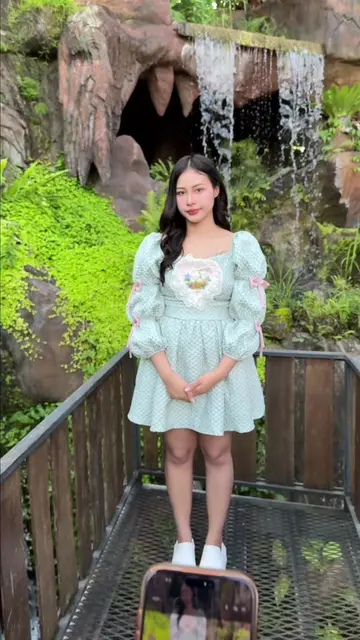
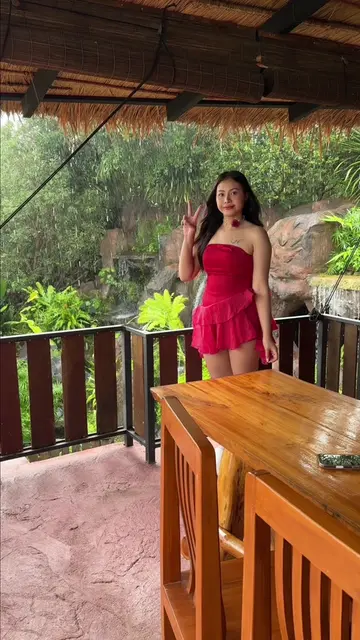
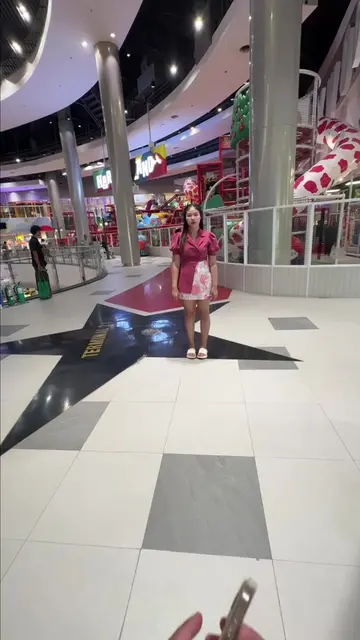
The video provides a practical, step-by-step guide to customizing camera settings, which is highly valuable for users looking to improve their mobile photography. The use of on-screen text and clear visual demonstrations makes the information easy to follow.
Summary
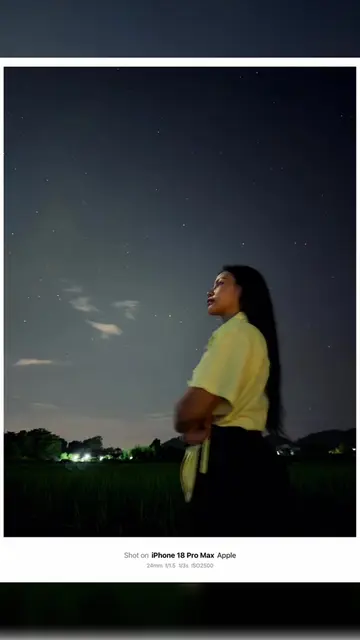
The video demonstrates how to adjust camera settings on an iPhone 18 Pro Max, focusing on portrait mode and various editing options. It shows how to change settings like exposure, contrast, and saturation to enhance photos.
Structure
- 1Introduction to iPhone camera settings
- 2Navigating to camera settings
- 3Adjusting video and photo capture settings
- 4Exploring portrait mode and lighting
- 5Editing photo adjustments
- 6Finalizing the edited photo
Product placement
iPhone 18 Pro Max: ACTS - the phone's camera settings are being adjusted and demonstrated. Removing it would change what happens in the video. Apple: APPEARS - a logo on the phone's screen. Removing it would not change what happens in the video.
On-screen text
ตั้งค่ากล้อง
iPhone 18 Pro Max
Camera Settings
PORTRAIT
ภาพบุคคล
Studio Light
แสงไฟสตูดิโอ
F = 4.0
F = 4.0
Lens x4
เลนส์ x4
Edits
แก้ไข
Adjust
การปรับแต่ง
(Exposure) +11
(Brilliance) -5
(Highlights) -11
(Shadows) +4
(Contrast) +14
(Brightness) +5
(Black Point) -5
(Saturation) -5
(Vibrance) +3
(Warmth) +4
(Tint) -4
Original caption
ตั้งค่ากล้อง iPhone 18 Promax Camera Settings #ช่างภาพนะฮราฟฟู่ว #iphone18promax #iPhone #18Promax
More from @haffu.photo
More breakout videos from this creator.