Loading video…
Sound

original sound - zerodezenovestudio
Zerodezenovestudio · Original audio
0:00–:––
Playing this video’s own audio, so you’ll hear the creator over the sound.
The video provides a practical, free solution to a common problem for aspiring music producers, using a popular DAW. The clear, step-by-step demonstration and the promise of professional results at no cost make it highly valuable and shareable.
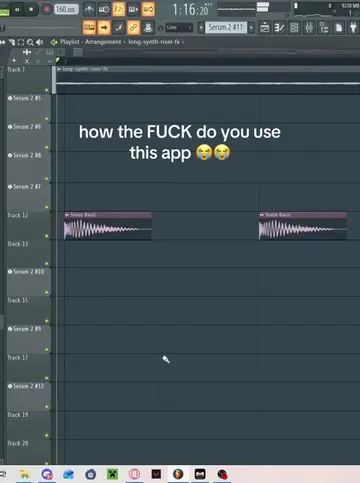
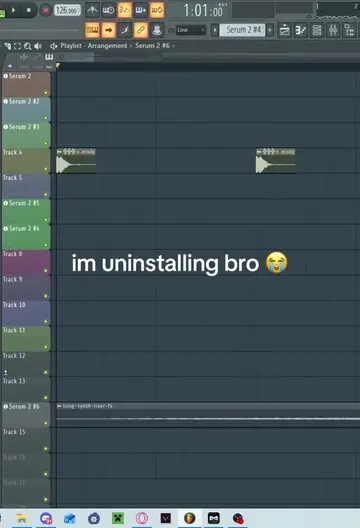
This video demonstrates how to tune vocals for free using FL Studio's pitch corrector. It guides viewers through adjusting pitch and variation settings, selecting the song's key, and re-integrating the tuned vocals into the playlist.
HOW IN
Introduce free vocal tuning in FL Studio
Access pitch corrector
Adjust center and variation knobs
Set scale to song key
Drag tuned vocals back to playlist
Conclude with call to action
FL Studio: This is a Digital Audio Workstation (DAW) software used for music production. The video demonstrates its pitch correction feature, so it ACTS. Removing it would fundamentally change the video's content. It is the subject of the tutorial. Pitch corrector (in FL Studio): This is a feature within FL Studio used to adjust the pitch of vocal recordings. The video demonstrates its use, so it ACTS. Removing it would remove the core function being taught. It is part of the subject (FL Studio).
Follow for more FL Studio tips
Playing this video’s own audio, so you’ll hear the creator over the sound.
Promotes 1 product. Create free account to see more.
Outliers and viral hits: their videos on Overshot, all time.
Music production software for beat makers and music producers
All time.