Loading video…
All breakouts
21.3Text-HeavyListicle hookConsumer Apps
Hook
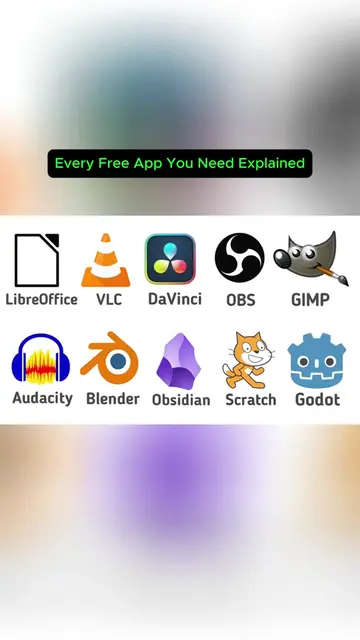
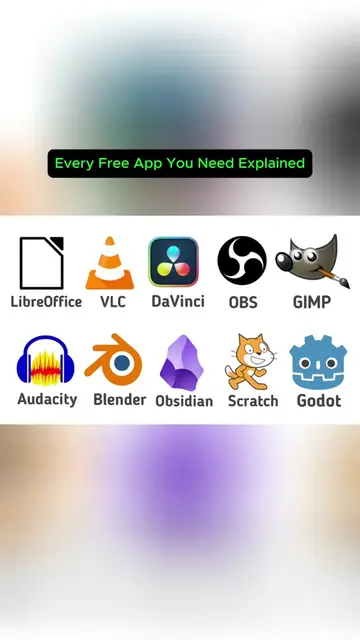
Every Free App You Need Explained
@whitepageofficial
72.9K followers · usually 10.3K views a post
Views
207.9K
Likes
9.4K
Comments
829
Shares
5.2K
Why it worked
The video effectively highlights a powerful, free alternative to a widely recognized paid software, addressing a common pain point for users seeking cost-effective creative tools.
Summary
This video explains GIMP, a free and open-source raster graphics editor, highlighting its capabilities and longevity. It contrasts GIMP with the paid software Photoshop, emphasizing GIMP's cost-effectiveness and extensive features for various image editing tasks.
Structure
- 1Introduction to GIMP as a free alternative
- 2Comparison with Photoshop and its cost
- 3Demonstration of GIMP's core features and tools
- 4Discussion of community contributions and improvements
- 5Addressing criticisms about its interface and CMYK support
- 6Conclusion on GIMP's value and accessibility
Product placement
GIMP (GNU Image Manipulation Program) - acts: a free, open-source raster graphics editor used for image retouching, creative composition, and image authoring. Removing it would change what happens in the video. Photoshop (Ps) - acts: a commercial raster graphics editor used for image retouching, creative composition, and image authoring. Removing it would change what happens in the video. Google - appears: a logo appears briefly. Removing it would not change what happens in the video. YouTube - appears: a logo appears briefly. Removing it would not change what happens in the video.
More from @whitepageofficial
More breakout videos from this creator.