Loading video…
Sound

original sound - webnovax
WebNovaX · Original audio
0:00–:––
Playing this video’s own audio, so you’ll hear the creator over the sound.
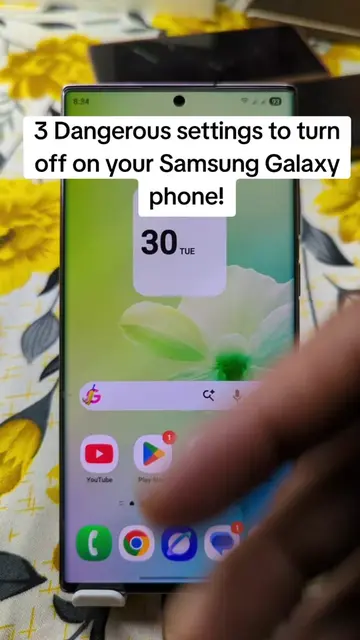
The video provides a practical and valuable solution to a common concern for parents and users seeking to filter online content. By offering a clear, step-by-step demonstration within a familiar app (Google Chrome), it makes the 'hack' easily accessible and actionable.
This video demonstrates how to block adult content on an Android phone using Google Chrome's secure DNS settings. It guides viewers to select CleanBrowsing (Family Filter) as a custom DNS provider to filter out unwanted content.
Block all adult content on your phone with this simple setting 🔐 📱 #phonehacks #chrometricks #andriodtips #parentingtips #techsecrets
Powerful Phone Hack You Should Try
Open Google Chrome
Navigate to Settings
Access Privacy and Security
Enable Secure DNS
Select CleanBrowsing (Family Filter)
Google Chrome: Acts - Browser software used to access and modify settings. Removing it would change what happens in the video. CleanBrowsing (Family Filter): Acts - A DNS provider that filters adult content. Removing it would change what happens in the video.
Playing this video’s own audio, so you’ll hear the creator over the sound.
DNS filtering service that blocks adult content and unwanted sites for families
All time.
Promotes 9 products. Create free account to see more.
Outliers and viral hits: their videos on Overshot, all time.