Loading video…
Sound

original sound - webnovax
WebNovaX · Original audio
0:00–:––
Playing this video’s own audio, so you’ll hear the creator over the sound.
This video promotes it, but we haven’t matched it to a product page yet, so there are no product figures.
The video provides a practical and valuable privacy tip for a widely used application, addressing a common concern about unwanted contact and information exposure. The clear, step-by-step demonstration makes it easy for viewers to follow along and implement the suggested setting.
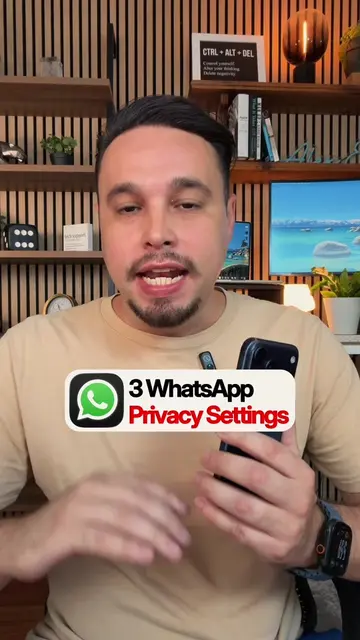
This video demonstrates how to adjust WhatsApp privacy settings to prevent strangers from seeing your phone number in group chats. It guides users through the settings menu to select 'My contacts' for group invitations, thereby enhancing privacy.
This WhatsApp setting stops strangers from seeing your number in group chats — turn it on now. 🔒 #WhatsApp #WhatsAppTips #AndroidTips #PhonePrivacy #TechTips
Whatsapp Users Have No Idea This Settings Exists.
Open WhatsApp and navigate to settings.
Go to the privacy section.
Access the privacy checkup feature.
Select 'My contacts' for group settings.
Explain the privacy benefits of this setting.
The video demonstrates how to adjust privacy settings within the WhatsApp application, specifically focusing on group invitation preferences.
Turn it on now.
Playing this video’s own audio, so you’ll hear the creator over the sound.
Promotes 9 products. Create free account to see more.
Outliers and viral hits: their videos on Overshot, all time.