Loading video…
Sound

original sound - iamsmarttips
Smart Tips · Original audio
0:00–:––
Playing this video’s own audio, so you’ll hear the creator over the sound.
This video promotes it, but we haven’t matched it to a product page yet, so there are no product figures.
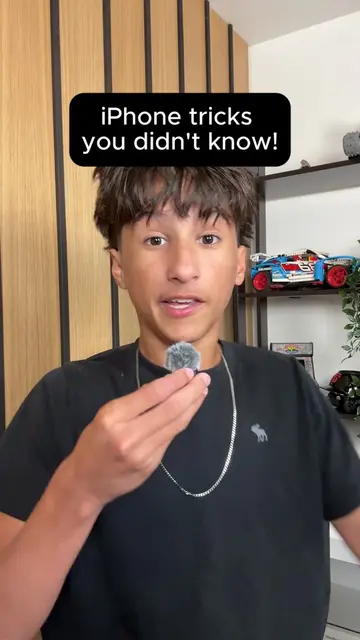
The video provides a practical and useful iPhone hack that many users may not be aware of, addressing a common annoyance of voice assistants being too loud in public. The quick demonstration and clear instructions make it easily shareable and valuable content.
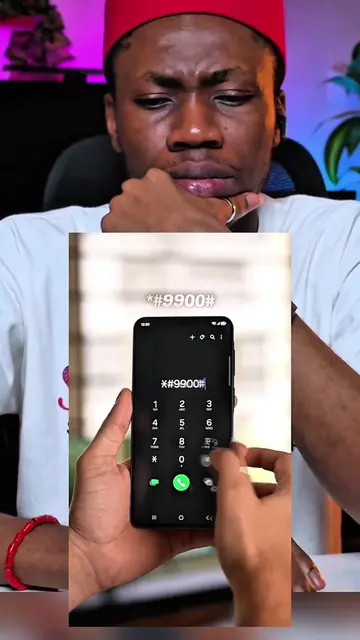
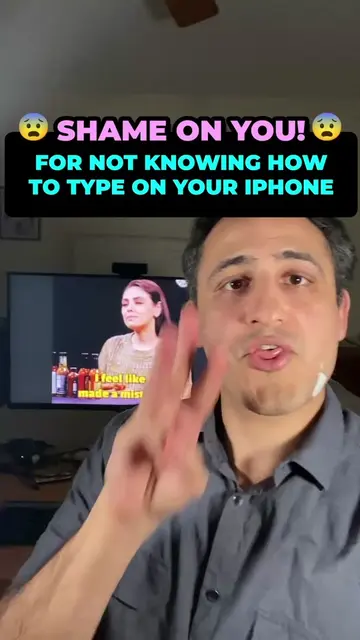
The video demonstrates how to activate Siri on an iPhone silently by holding the side button, and also shows how to type requests to Siri instead of speaking them. It highlights this feature as a way to use Siri in public or quiet environments without disturbing others.
Try this instead of shouting "hey siri" in public. #sirivsgoogle #siri #iphonetips #iphonetricks #iphoneusers
BEEN
Introduction to the problem of loud Siri activation
Demonstration of silent Siri activation by holding the side button
Explanation of how to type to Siri as an alternative
Call to action to follow for more tips
iPhone (ACTS - its interface is operated, it generates a visible result, someone says what it does for them. Removing it would change what happens in the video.) Siri (ACTS - its interface is operated, it generates a visible result, someone says what it does for them. Removing it would change what happens in the video.) Smart Tips (APPEARS - a corner watermark, a channel or studio logo, an end card, a credit, a name on clothing. Removing it would NOT change what happens in the video.) iamsmarttips (APPEARS - a corner watermark, a channel or studio logo, an end card, a credit, a name on clothing. Removing it would NOT change what happens in the video.)
Follow me now so you can only stay sharp, stay smart.
Playing this video’s own audio, so you’ll hear the creator over the sound.
Promotes 8 products. Create free account to see more.
Outliers and viral hits: their videos on Overshot, all time.