Loading video…
Sound

original sound - iamsmarttips
Smart Tips · Original audio
0:00–:––
Playing this video’s own audio, so you’ll hear the creator over the sound.
This video promotes it, but we haven’t matched it to a product page yet, so there are no product figures.
The video addresses a common pain point for smartphone users (slow performance) with practical, actionable tips presented in a clear, step-by-step format. The relatable narrative of a phone repair shop owner and the promise of a 'free speed upgrade' likely resonated with viewers, encouraging them to try the advice.
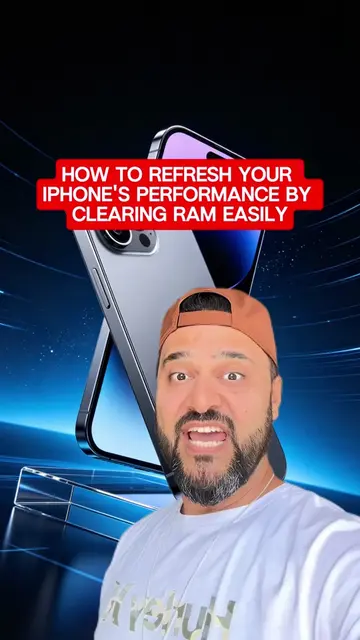
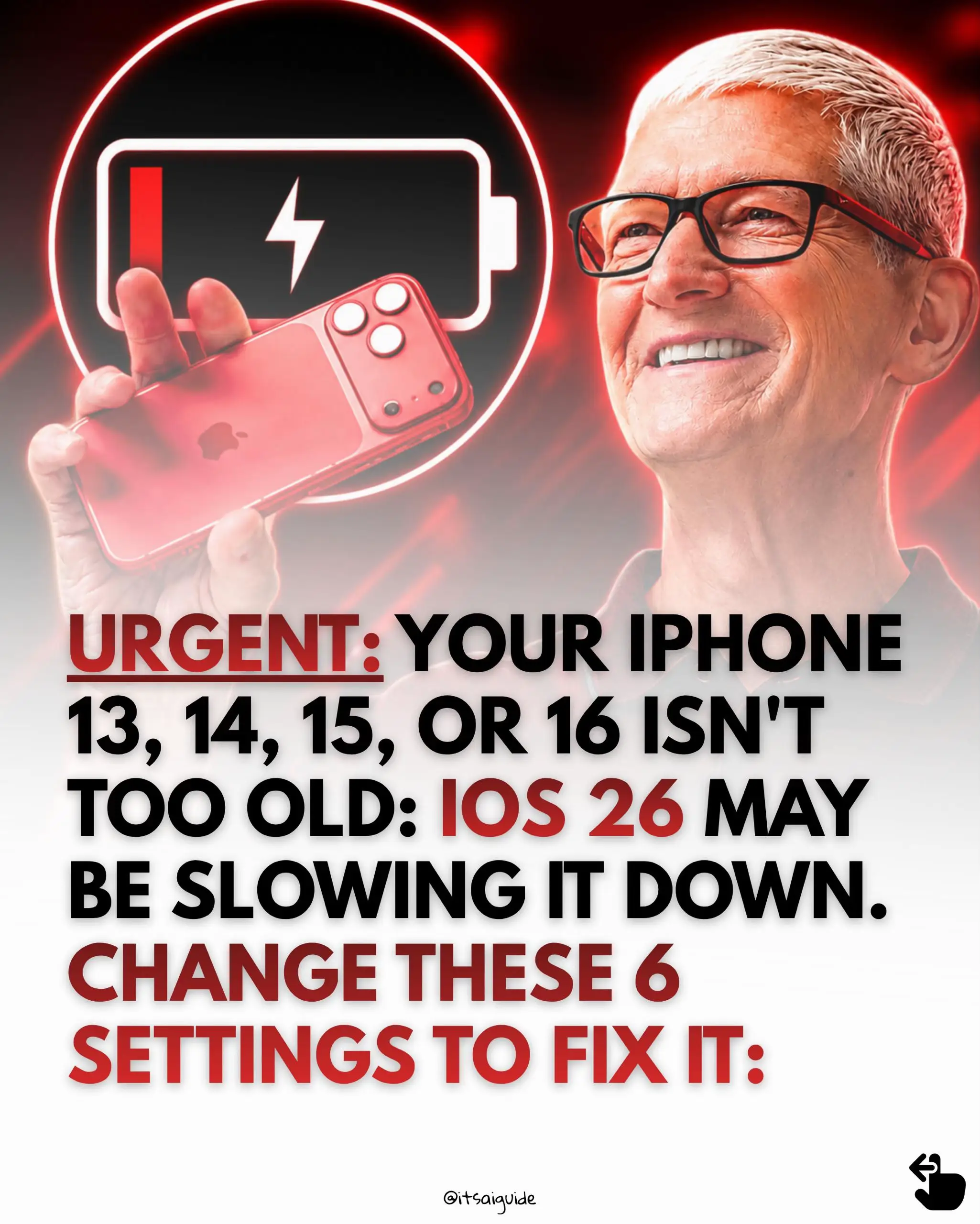
The video provides four key settings adjustments and two quick tips to improve the performance of a slow or lagging iPhone. By optimizing background app refresh, location services, live widgets, and animations, users can reportedly make their phones run faster without needing to buy a new device.
If your iPhone or Android is always hot, slow or lagging, this is for you. #iphoneoverheating #iphonelag #iphonetips #iphoneusers
My iPhone was hot, slow, and lagging on
Introduction: iPhone is slow and lagging.
Setting 1: Disable Background App Refresh.
Setting 2: Adjust Location Services for apps.
Setting 3: Remove unnecessary live widgets.
Setting 4: Enable Reduce Motion for animations.
Additional tips: Free up storage and update apps.
Final tip: Restart the phone regularly.
Conclusion: These steps can revive an old phone.
iPhone (acts - the phone is the subject of the troubleshooting and the video demonstrates how to improve its performance. Removing it would change what happens in the video)
send this to whoever keeps saying their phone is old
Playing this video’s own audio, so you’ll hear the creator over the sound.
Promotes 8 products. Create free account to see more.
Outliers and viral hits: their videos on Overshot, all time.