Loading video…
Sound

original sound - aiwithabhijay
Abhijay | AI, Tech & Careers · Original audio
0:00–:––
Playing this video’s own audio, so you’ll hear the creator over the sound.
We didn’t find a product being promoted in this video. Its hook, format and structure below still show why it took off.
Browse products winning on TikTokThe video leverages the popular "Jarvis" concept from Iron Man to create a relatable and aspirational AI assistant. It breaks down a complex process into simple, actionable steps, making it feel achievable for a broad audience, and uses a clear call to action to drive engagement.
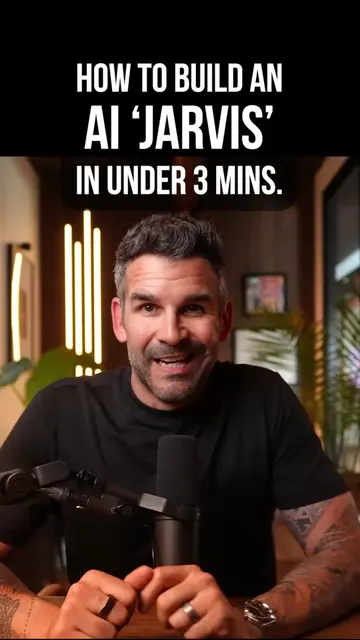
This video demonstrates how to build a personal AI assistant named Jarvis in under 30 seconds. It outlines the necessary components: a computer, an agent software like Hermes, access to AI models and tools, a markdown configuration file, and a voice provider like ElevenLabs.
Follow me and comment “Jarvis” and I will send you the step by step guide to setup your own Jarvis! No coding experience is needed! #ironman #jarvis #aitools
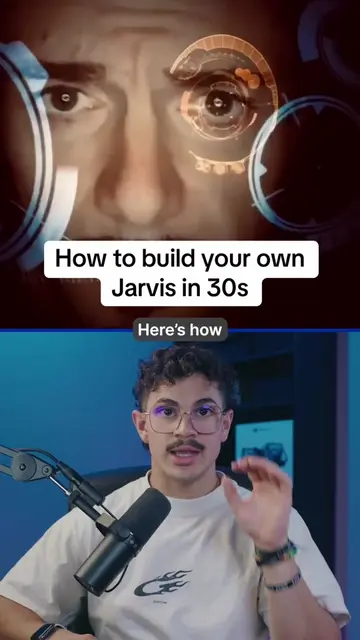
Hey, Jarvis
Introduction and wake-up command
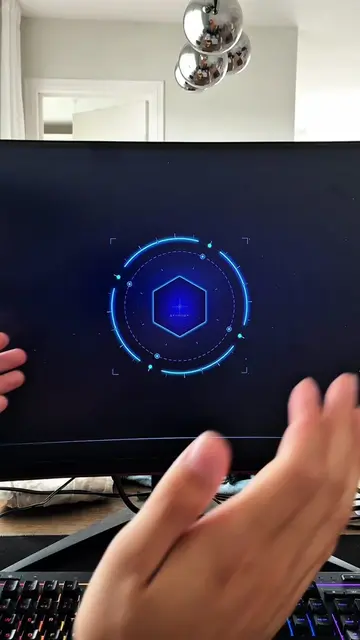
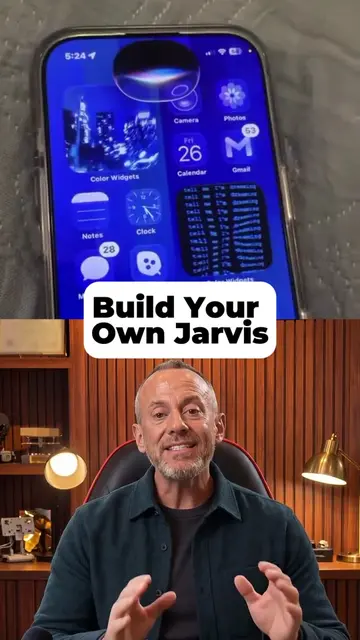
Building your own Jarvis in 30 seconds
Step 1: Get a computer
Step 2: Install an agent and connect to AI models/tools
Step 3: Create a markdown configuration file
Step 4: Add repeatable skills and connect a voice provider
Call to action to comment 'Jarvis' for the guide
Jarvis: acts - it is the name of the AI assistant being built in the video. Removing it would change what happens in the video. Apple: appears - it is a logo on the Mac Mini. Removing it would not change what happens in the video. HERMES-AGENT: acts - it is the name of the agent software being installed. Removing it would change what happens in the video. OpenAI: acts - it is an AI model provider that the agent can connect to. Removing it would change what happens in the video. Claude: acts - it is an AI model provider that the agent can connect to. Removing it would change what happens in the video. ElevenLabs: acts - it is a voice provider that the agent can connect to. Removing it would change what happens in the video. Chrome: appears - it is an icon representing a browser. Removing it would not change what happens in the video. Email: appears - it is an icon representing email. Removing it would not change what happens in the video. Notion: appears - it is an icon representing Notion. Removing it would not change what happens in the video. Analytics: appears - it is an icon representing analytics. Removing it would not change what happens in the video.
Follow me and comment “Jarvis” and I will send you the step by step guide to setup your own Jarvis!
Playing this video’s own audio, so you’ll hear the creator over the sound.
Promotes 2 products. Create free account to see more.
Outliers and viral hits: their videos on Overshot, all time.