Loading video…
Sound

original sound - codeplc
CodePLC · Original audio
0:00–:––
Playing this video’s own audio, so you’ll hear the creator over the sound.
The video provides a clear, step-by-step tutorial on learning a complex skill (PLC programming) using accessible simulation tools. The concise format and direct instructions make it easy for beginners to follow along and achieve a tangible result, which is highly engaging.
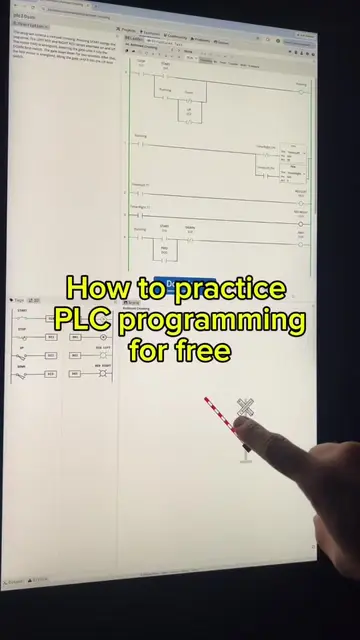
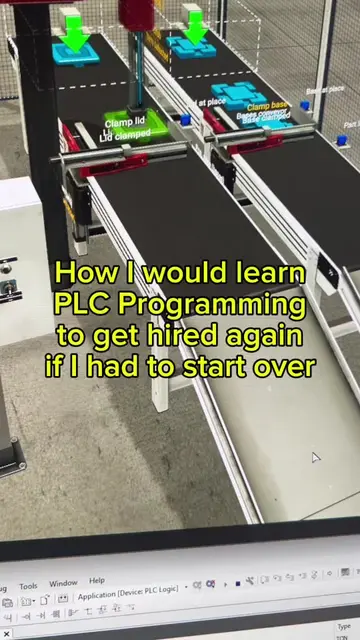
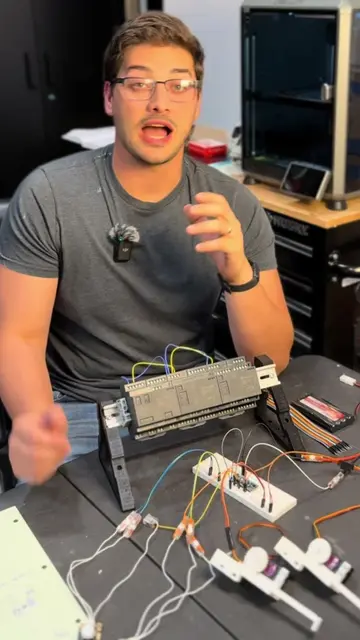
This video demonstrates how to learn PLC programming in five steps using CODESYS and Factory IO simulation software. It guides viewers through launching a scene, connecting it to the PLC, copying ladder logic, and running the simulation to write their first PLC program.
PLC programming in the simulator today. Showing how you can go from technician, maintenance, student, electrician, or just a beginner to working in robotics or manufacturing by learning PLC programming
How to learn PLC Programming
Introduce PLC programming and the 5-step process
Open CODESYS and Factory IO
Launch a scene and connect it to the PLC
Copy ladder logic
Download and run the simulation
Congratulate the viewer on writing their first program
CODESYS V3.5 SP20 Patch 3: This is a PLC programming software that is used to write and simulate PLC logic. It ACTS as the programming environment. Removing it would change what happens in the video. Factory IO: This is a simulation software used to create industrial automation scenarios. It ACTS as the simulation environment. Removing it would change what happens in the video.
Playing this video’s own audio, so you’ll hear the creator over the sound.
Industrial automation programming software for PLC developers
All time.
Promotes 2 products. Create free account to see more.
Outliers and viral hits: their videos on Overshot, all time.