Loading video…
All breakouts
40.4App DemoOther hookEducation
Hook
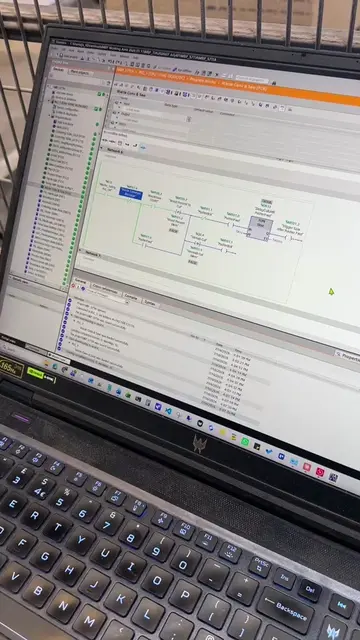
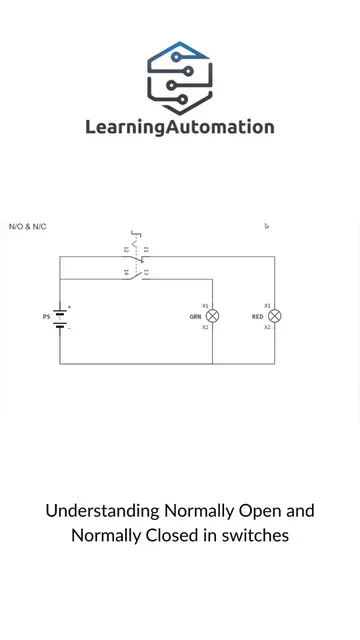
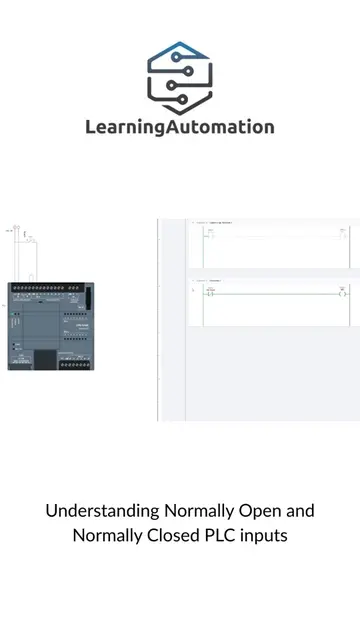
PLC IO Sim has scenes, input and output devices, ladder logic and structured text programming, and scene animations to visualise the actions.
@learningautomation
20.4K followers · usually 2.7K views a post
Views
99.5K
Likes
6.3K
Comments
39
Shares
477
Why it worked
The video provides a clear, high-utility demonstration of a specialized tool, allowing potential users to immediately understand the value proposition of a risk-free PLC programming environment.
Summary
The video demonstrates the features of the PLC IO Sim software, showing how it allows users to practice ladder logic and structured text programming with various simulated machine scenes. It highlights the safety of the simulation environment for learning automation.
Structure
- 1Introduction to the software's capabilities
- 2Demonstration of the conveyor belt simulation
- 3Switching between ladder logic and structured text
- 4
Original caption
PLC IO Sim has scenes, input and output devices, ladder logic and structured text programming, and scene animations to visualise the actions. And you won’t break these machine by playing with them. #plciosim @plcIOsim
More from @learningautomation
More breakout videos from this creator.