Loading video…
All breakouts
10.8Talking HeadOther hookCreator Economy
Hook
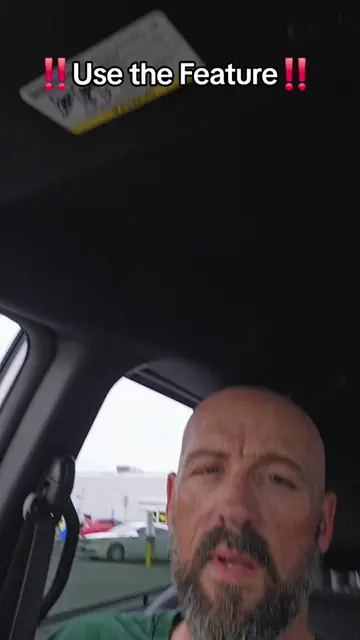
This little tool
@pames.jawl
166.9K followers · usually 1.5K views a post
Views
49.6K
Likes
377
Comments
61
Shares
56
View velocity
+29.2K views over 7.9d · ~3.7K/day · 7 observations
Why it worked
The video provides a clear, concise tutorial on a native TikTok feature that simplifies content creation, appealing to users looking for quick and easy ways to produce engaging videos.
Summary
The video demonstrates how to use TikTok's Autocut feature to quickly create videos from photos and short clips. It explains the process of selecting media, using the Autocut tool for automatic editing, and advises on whether to post to the feed or story based on content relevance.
Structure
- 1Introduction to Autocut
- 2Call to action for engagement
- 3Step-by-step guide to using Autocut
- 4Advice on posting strategy
Original caption
Tutorial included. How to use Autocut for instant content #tiktokfeature #autocut #tiktoktutorial
More from @pames.jawl
More breakout videos from this creator.