Loading video…
All breakouts
457App DemoHow-To hookCreator Economy
Hook
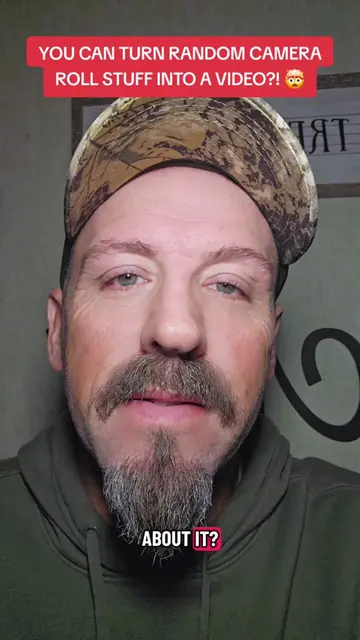
HOW TO USE AUTOCUT
@pames.jawl
208.3K followers · usually 3.1K views a post
Views
716.5K
Likes
7.4K
Comments
176
Shares
394
Why it worked
The video provides a clear, concise, and actionable tutorial on a specific feature within a popular platform, addressing a common creator pain point (time-consuming editing) and offering a direct solution. The demonstration is easy to follow, and the call to action encourages immediate use and engagement.
Summary
This video demonstrates how to use the AutoCut feature within TikTok to quickly create videos from photos and short clips. It explains the process of selecting media, choosing a template, and posting the content to both the feed and stories for increased reach.
Structure
- 1Introduction to AutoCut and its benefits
- 2How to access AutoCut via the '+' button and 'Create' tab
- 3Selecting photos/videos and hitting 'Next'
Original caption
Autocut Tutorial. How to use Autocut for instant content. #creatorsearchinsights #newfeature #tiktokupdate
More from @pames.jawl
More breakout videos from this creator.