Loading video…
All breakouts
354Talking HeadOther hookCreator Economy
Hook
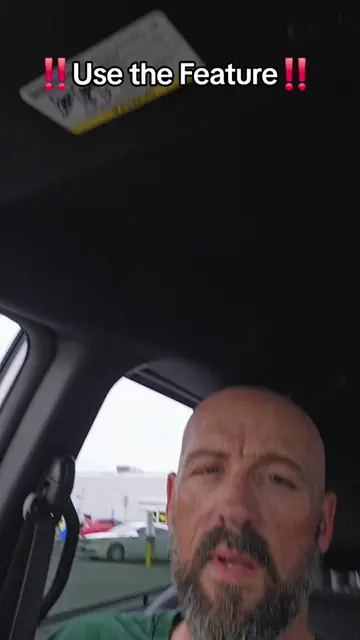
New Tiktok Feature
@pames.jawl
190.8K followers · usually 4.6K views a post
Views
527.6K
Likes
1.5K
Comments
50
Shares
124
Promoted product
TikTok
Why it worked
The video leverages a new and potentially viral feature on a popular platform, offering a clear, step-by-step tutorial that is easy to follow. It also includes a call to action for viewers to engage further by following the creator for more tips.
Summary
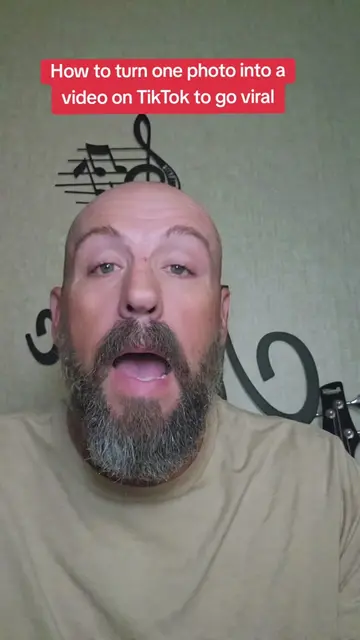
This video demonstrates a new TikTok feature called "One Clip" that allows users to turn a single photo into a video. The creator guides viewers through the process of selecting a template, uploading a photo, and posting it to their story for increased visibility.
Structure
- 1Introduce the new TikTok feature for turning photos into videos.
- 2Demonstrate how to access the feature by tapping the '+' and 'Create' buttons.
- 3Show how to navigate to 'Templates' and select the 'One Clip' option.
- 4Explain how to upload a photo and use the template's sound.
- 5Instruct viewers to post the video to their story for extra reach.
- 6Encourage viewers to create their own tutorials and follow for more tips.
Product placement
TikTok (app): A social media platform for creating and sharing short-form videos. It ACTS as the platform where the tutorial takes place and the feature is demonstrated. Removing it would change the entire video. It merely APPEARS as the platform being used.
Original caption
This is how to use this new TikTok Feature to turn a photo into a video to go viral #newfeature #tiktoktutorial #goviral #oneclip #tiktoktips
More from @pames.jawl
More breakout videos from this creator.