Loading video…
Sound

original sound - lerabyte
Lera Andronova · Original audio
0:00–:––
Playing this video’s own audio, so you’ll hear the creator over the sound.
This video promotes it, but we haven’t matched it to a product page yet, so there are no product figures.
The video breaks down a complex topic (building an AI agent) into manageable, sequential parts, making it accessible to a wider audience. The use of clear on-screen text, code demonstrations, and a relatable creator persona likely contributed to its engagement.
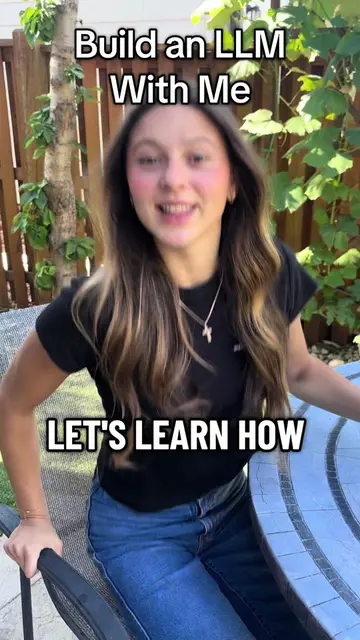
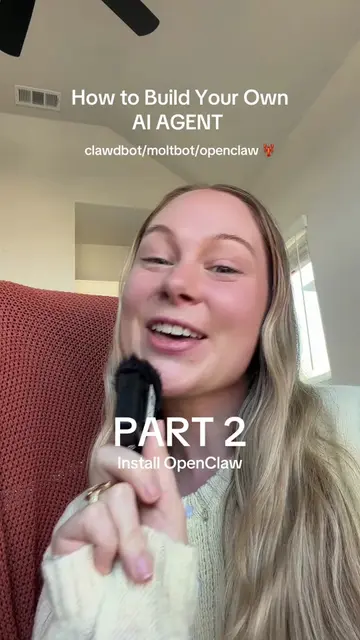
This video demonstrates the first part of building an AI agent from scratch using Ollama and Python. It covers setting up Ollama to run a language model locally, and then using Python to connect to this model via its API, sending a simple message and receiving a response. The creator highlights the limitation that the model cannot directly access the computer's time, setting up the next part of the series.
Let's learn how to build an AI Agent from scratch in Python. Today, we’ll run a language model on our computer, connect it to Python through localhost, send it a message, and print the response. This gives us the first piece of our agent: a Python program that can communicate with the model. Follow along for part 2! #datascientist #ai #agenticai #python #STEM
Build an AI Agent From Scratch
Introduction to building an AI agent
Setting up Ollama to run a language model locally
Connecting Python to the Ollama model using the OpenAI library
Sending a basic message to the model and receiving a response
Identifying the limitation of accessing real-time data
Preview of the next steps in building the AI agent
Ollama (ACTS - downloads and runs language models locally, removing it would change what happens in the video), OpenAI (ACTS - its API is used to communicate with the language model, removing it would change what happens in the video), Python (ACTS - used to build the AI agent and communicate with the language model, removing it would change what happens in the video)
Follow along for part 2!
Playing this video’s own audio, so you’ll hear the creator over the sound.
Promotes 1 product. Create free account to see more.
Outliers and viral hits: their videos on Overshot, all time.