Loading video…
Sound

original sound - grilledbeefed_
morewayssssssss · Original audio
0:00–:––
Playing this video’s own audio, so you’ll hear the creator over the sound.
The video effectively explains a common gaming setting (VSync) that many players are curious about, using clear visuals and concise explanations within the Minecraft context. It addresses a common misconception and provides practical advice, making it highly relevant and shareable for the gaming community.
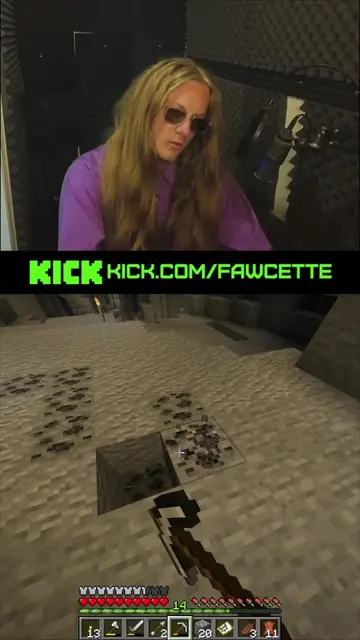
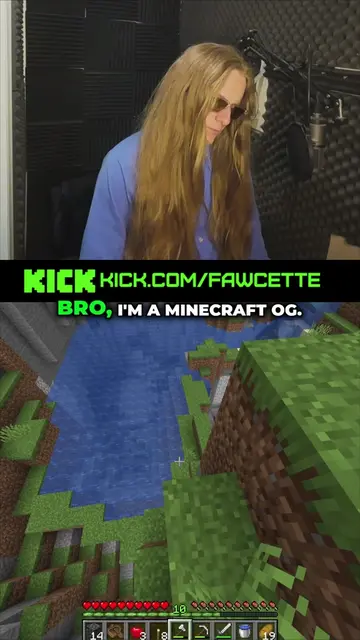
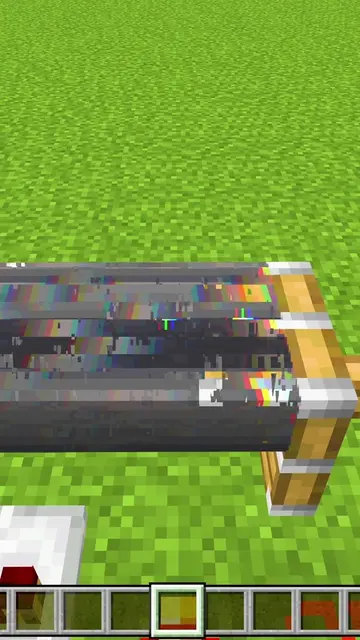
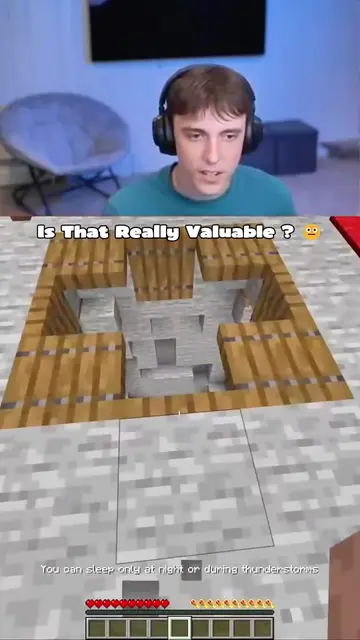
This video explains the function of VSync in Minecraft, detailing how it prevents screen tearing but can also cause input lag and stuttering if not managed correctly. It advises players to turn off VSync for higher FPS, especially in PvP scenarios, and highlights the difference in frame rendering times.
Why does
Introduction to VSync in Minecraft
Explanation of screen tearing
How VSync causes lag
The impact of FPS drops
Why players turn off VSync
Conclusion on VSync settings
Minecraft: ACTS - a video game where players explore, build, and survive in a blocky, procedurally generated 3D world. Removing it would change what happens in the video. VSync: ACTS - a video setting that synchronizes the frame rate of a game with the refresh rate of the monitor to prevent screen tearing. Removing it would change what happens in the video. FreeSync: APPEARS - a display technology that synchronizes the refresh rate of a monitor with the frame rate of a graphics card to reduce screen tearing and stuttering. Removing it would not change what happens in the video.
Sub to Knavishmantis!
Playing this video’s own audio, so you’ll hear the creator over the sound.
Sandbox video game for players who build, explore, and create in a block-based world
All time.
Promotes 4 products. Create free account to see more.
Outliers and viral hits: their videos on Overshot, all time.