Loading video…
All breakouts
34.9App DemoProblem Callout hookAI Tools
Hook
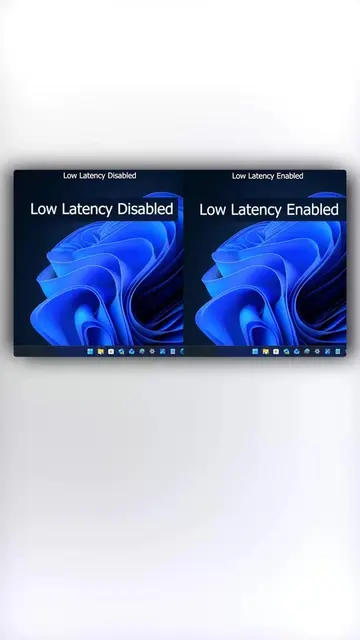
Your GPU is literally telling you to enable this to get more FPS.
@techow
397.8K followers · usually 45.2K views a post
Views
1.2M
Likes
57.9K
Comments
766
Shares
5.8K
Why it worked
It provides immediate, actionable value to gamers looking to improve performance without needing new hardware, using a clear, step-by-step screen recording format.
Summary
The video demonstrates how to optimize gaming performance by adjusting specific settings within the NVIDIA App. It provides a step-by-step guide on configuring DLSS and power management settings to increase frame rates.
Structure
- 1Hook with performance comparison
- 2Open NVIDIA App
- 3Navigate to Graphics settings
- 4Configure DLSS override presets
Original caption
This Nvidia DLSS Trick Can instantly Improve FPS #nvidia #dlss # #techtok #usa
More from @techow
More breakout videos from this creator.