Loading video…
Sound

original sound - calvinyoungai
Calvin Young | AI Builder · Original audio
0:00–:––
Playing this video’s own audio, so you’ll hear the creator over the sound.
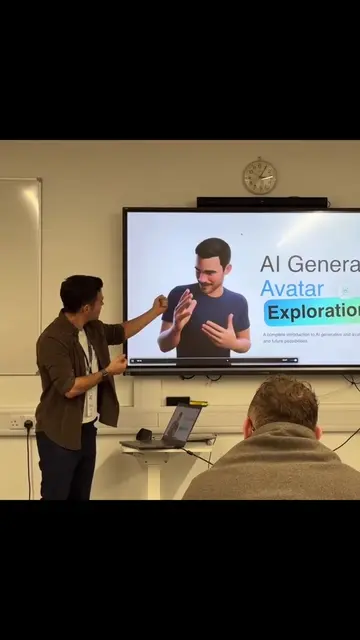
The video effectively targets a specific accessibility need and provides a clear, step-by-step tutorial for a useful feature on a popular device. The creator's use of sign language alongside spoken instructions enhances its relevance and appeal to the intended audience.
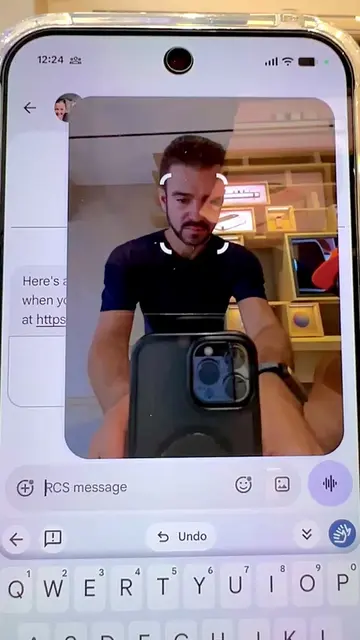
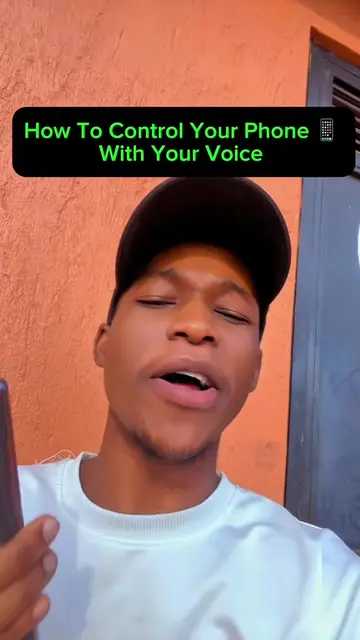
The video demonstrates how to enable the 'Sign-to-text' feature on a Google Pixel phone. It guides viewers through downloading and updating the Gboard app, then accessing the 'Sign-to-text' option within the keyboard settings to translate sign language into text.
Do you have Google Pixel 11? Do you want to learn how to turn on Sign to Text? Follow along to learn how to turn it on. @signwow
WHERE DO YOU FIND SIGN-TO-TEXT
Introduce the problem: finding sign-to-text functionality.
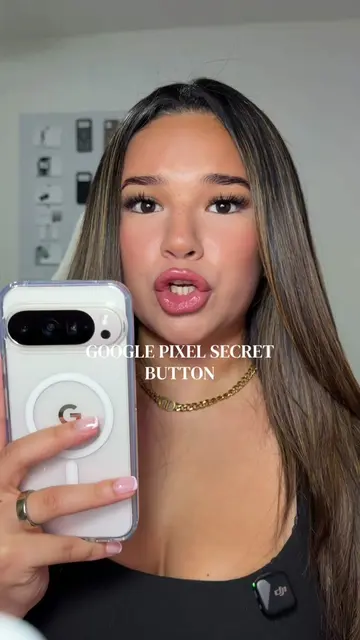
Showcase the Google Pixel 11 as the device.
Instruct to go to the App Store and update Gboard.
Demonstrate accessing the 'Sign-to-text' feature.
Explain the process of signing and captioning.
Showcase the ease of use and improved accessibility.
Google Pixel (phone): appears as a device being shown and used. Removing it would change what happens in the video. Google Pixel 11 (phone): appears as a device being shown and used. Removing it would change what happens in the video. Gboard (app): appears as an app being searched for and updated. Removing it would change what happens in the video. Sign-to-text (feature): appears as a feature being demonstrated. Removing it would change what happens in the video.
Playing this video’s own audio, so you’ll hear the creator over the sound.
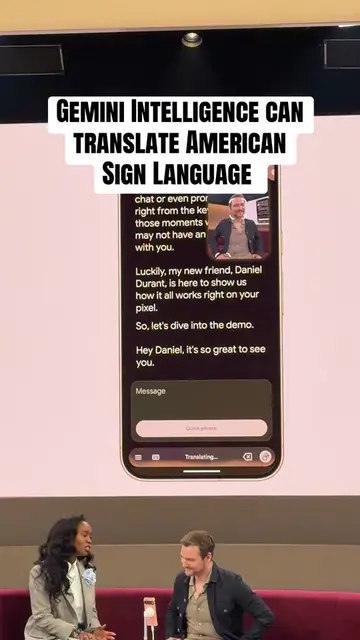
Gboard feature that translates American Sign Language into English text for signers
All time.
Promotes 3 products. Create free account to see more.
Outliers and viral hits: their videos on Overshot, all time.