Loading video…
Sound

original sound - gift.onyinyechi972
Gift | TikTok Coach · Original audio
0:00–:––
Playing this video’s own audio, so you’ll hear the creator over the sound.
This video promotes it, but we haven’t matched it to a product page yet, so there are no product figures.
The video leverages a common pain point for TikTok creators (editing videos) and offers a seemingly simple, built-in solution. By framing it as a "viral feature" and a way to avoid "missing out on views," it creates urgency and encourages immediate adoption.
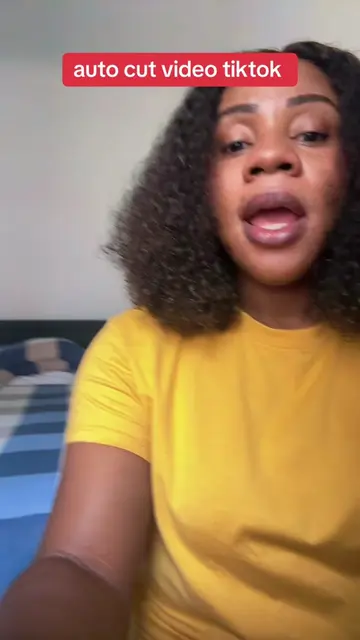
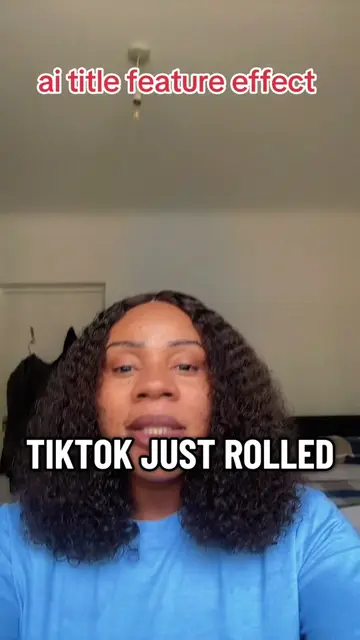
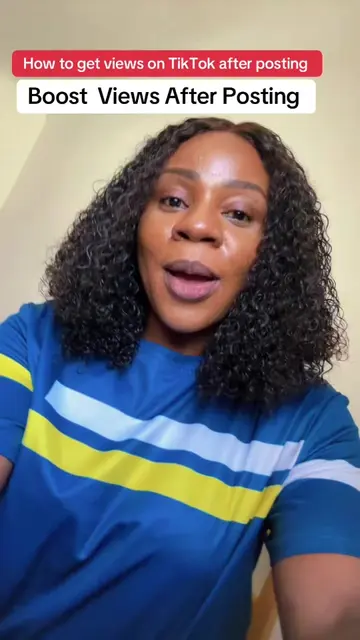
The creator explains how to use TikTok's "Autocut" feature to automatically edit videos, suggesting it's more effective than other editing apps like CapCut. They guide viewers through the process of selecting photos and videos, and explain that the feature helps TikTok understand the content for better reach.
Stop using other editions tools . Use Autocut edits to get to the fyp! And why does my face always pop up like that?🤣🤣. #autocutvideotiktok #autocutin30seconds #autocut #tiktokedit #tiktoktips
auto cut video TikTok
Introduction: Still using CapCut and other editing tools?
Problem: Missing out on views by not using TikTok's features.
Solution: Introducing TikTok's "Autocut" feature.
How-to: Step-by-step guide to using Autocut.
Benefit: Autocut processes and edits videos automatically, promoting them better.
Call to action: Use the feature now.
CapCut: an editing app that is used to edit videos. It is mentioned as a tool that creators might be using, and the video suggests it is not as effective as TikTok's own features. (Appears, removing it would not change what happens in the video). TikTok: a social media platform for short-form videos. The video discusses features and strategies for using the platform. (Acts, removing it would change what happens in the video).
Hit the save button right now and engage from the bottom of the button up to tell TikTok you're not a bot. So you can know every single steps on how to use the biggest TikTok feature to do is sign on your profile. Then you're going to swipe, you tap on it. When you look to see Autocut. That feature is so important it is going viral. You're going to take you straight to your photo and video gallery. Go and choose all your videos and pictures you want. The more you choose, the more it's able to process and edit it for you. It's going to give you different templates and you have choose whichever one you like, the one you think fits your photo best, because all of them are good. Immediately you choose, it's going to give you a sound. Give you the editing. You don't have to do anything. One building this content for you, not you. You're not stressing yourself. All you need to just post it. And once you use the big small ear, put to cut. TikTok would know what your video and it's going own tool, not other edited and use it right now.
Playing this video’s own audio, so you’ll hear the creator over the sound.
Promotes 3 products. Create free account to see more.
Outliers and viral hits: their videos on Overshot, all time.