Loading video…
Sound

original sound - mommacolleen.7
mommacolleen.7❌ · Original audio
0:00–:––
Playing this video’s own audio, so you’ll hear the creator over the sound.
This video promotes it, but we haven’t matched it to a product page yet, so there are no product figures.
The video provides a clear, concise, and actionable tutorial on a useful feature within a popular platform, making it highly shareable and relevant to creators looking to simplify their content creation process.
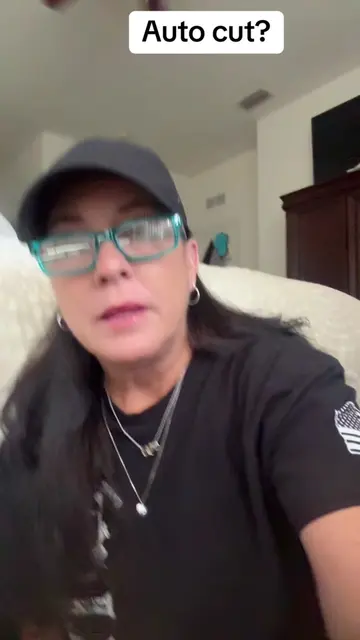
The video demonstrates how to use TikTok's "Auto Cut" feature to automatically edit videos. The creator explains the steps involved, encouraging viewers to save and share the tutorial.
“AUTO CUT”… tutorial included #tiktoktips#smallcreator #autocut
"AUTO CUT"
Introduction to Auto Cut feature
Explaining how Auto Cut works
Step-by-step guide to using Auto Cut
Demonstrating the editing process
Encouraging viewers to use the feature and share the video
TikTok (app): It is used to edit videos and create content. Removing it would change what happens in the video. Auto Cut (feature within TikTok): It allows TikTok to edit videos automatically. Removing it would change what happens in the video.
Save this video. Share this out. Get on the page.
Playing this video’s own audio, so you’ll hear the creator over the sound.
Promotes 7 products. Create free account to see more.
Outliers and viral hits: their videos on Overshot, all time.