Loading video…
Sound

original sound - carter.braydon
Braydon Carter · Original audio
0:00–:––
Playing this video’s own audio, so you’ll hear the creator over the sound.
The video provides a practical, step-by-step demonstration of a novel AI application (video editing with ChatGPT and Remotion), offering a clear value proposition (saving time and effort) and a compelling call to action, which is highly engaging for creators and marketers.
This video demonstrates how to use ChatGPT with the Remotion plugin to automatically edit videos. It shows the process of uploading a video, prompting ChatGPT to transcribe and edit, and highlights the resulting edited versions, including cutting silences and adding subtitles.
ChatGPT can use remotion to help you edit videos, make them look clean, and cut out silences! #ai #aitips #chatgpt #openai #aivideo
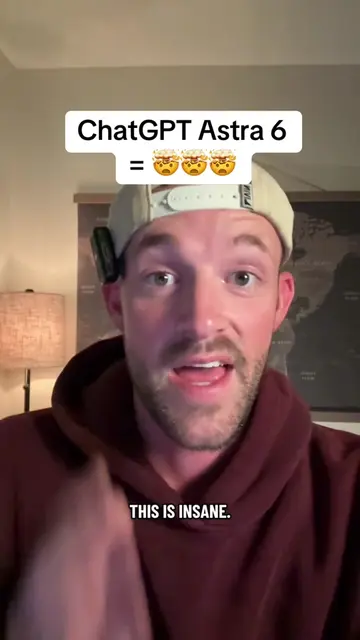
ChatGPT can now edit your videos for you
Introduce ChatGPT's video editing capability
Explain how to set up ChatGPT with the Remotion plugin
Demonstrate uploading a video and prompting for edits
Showcase the automated editing results (TikTok/landscape versions, silence removal, subtitles)
Highlight that Remotion is free and the benefits of AI in video editing
Call to action to save, follow, and comment for a webinar
ChatGPT ACTS - it is used to generate video edits and copy. Removing it would change what happens in the video. Remotion ACTS - it is a plugin used to edit videos. Removing it would change what happens in the video. OpenAI ACTS - it is the company behind ChatGPT. Removing it would change what happens in the video.
Save this video. Follow for more and comment AI workshop if you want to come attend one of my AI webinars.
Playing this video’s own audio, so you’ll hear the creator over the sound.
Promotes 6 products. Create free account to see more.
Outliers and viral hits: their videos on Overshot, all time.
Video-editing framework for developers creating videos with code
All time.