Loading video…
Sound

original sound - kak.dela743
Никита Гурьянов · Original audio
0:00–:––
Playing this video’s own audio, so you’ll hear the creator over the sound.
This video promotes it, but we haven’t matched it to a product page yet, so there are no product figures.
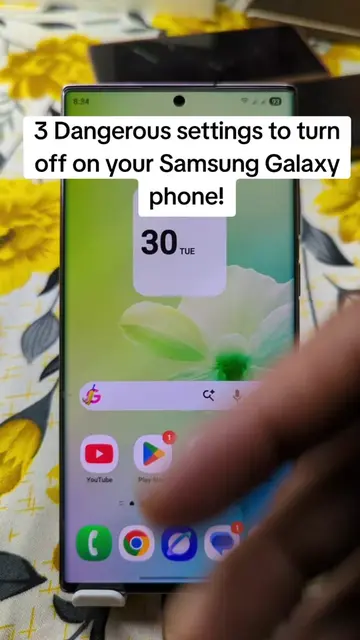
The video addresses a common pain point for smartphone users (unwanted ads) and provides a clear, actionable solution through a step-by-step demonstration within the phone's settings.
The video demonstrates how to disable ads on an Android phone by navigating through the phone's settings. It guides the viewer to Google services, then to personalization settings, and finally to the ad settings to reset or delete the advertising identifier.
Отключаем рекламу в телефоне!
Отключаем всю Рекламу
Introduce the goal: disable ads
Navigate to Google settings
Access personalization and ad settings
Reset and delete advertising identifier
Confirm ad removal
Google: ACTS - provides services and is an operating system component. Removing it would change what happens in the video. Dragon Money: APPEARS - logo on t-shirt. Removing it would not change what happens in the video.
Playing this video’s own audio, so you’ll hear the creator over the sound.
Promotes 5 products. Create free account to see more.
Outliers and viral hits: their videos on Overshot, all time.