Loading video…
All breakouts
59.8App DemoHow-To hookCreator Economy
Hook
CANVA APP you need to know
@simpleas.off
613.8K followers · usually 11.6K views a post
Views
679.8K
Likes
51.3K
Comments
49
Shares
3.3K
SoundTikTok sound · Loser
Promoted product
SimpleAs Canva Coursehttps://stan.store/simpleasoff ↗
Why it worked
The video provides immediate, high-value utility by teaching a specific, visually impressive design trick, which builds trust before pivoting to a relevant paid course.
Summary
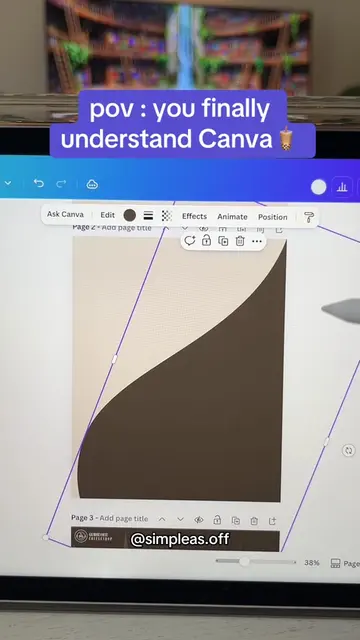
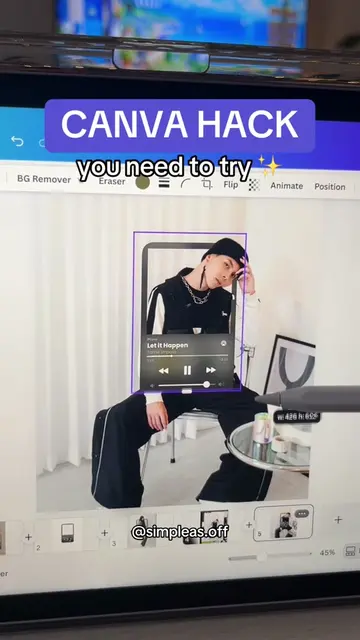
The creator demonstrates a design technique in the Canva app to create a broken mirror effect on an image. They then transition to promoting their paid Canva course, which is linked in their bio.
Structure
- 1Demonstrating a Canva design effect
- 2Showing the search and edit process
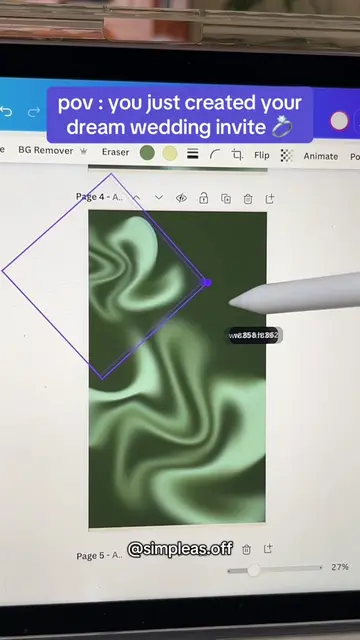
- 3Revealing the final design
- 4Transitioning to course promotion
Product placement
(a) Canva: ACTS — the creator uses its interface to search for elements, apply effects, and edit a design. Removing it would make the video impossible. (b) Stan Store: APPEARS — the creator's link-in-bio platform is shown at the end to host the course. Removing it would not change the video's core content.
Call to action
Check my Canva Course
On-screen text
CANVA APP
you need to know
@simpleas.off
And voilà ✨
Check my Canva Course 👇
Step by step tutorials
Advanced effects/animation
Match & Move guide 😎
Original caption
If you want to find the broken mirror elements ➡️ Go to elements and look for « glass pieces » ✨ #canvatemplates #canvahack #canvatutorial
More from @simpleas.off
More breakout videos from this creator.