Loading video…
Sound

Love Story
Taylor Swift
0:00–:––
- Videos using it
- 2
- Creators
- 2
- Views on those videos
- 1.5M
The video uses a relatable 'POV' hook and high-quality aesthetic design to demonstrate the utility of the tool, making the subsequent pitch for a tips guide feel like a natural extension of the value provided.
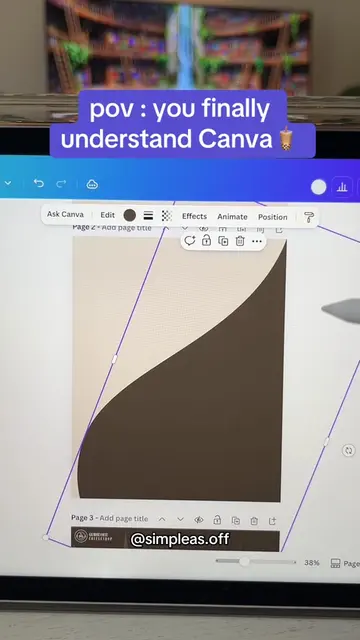
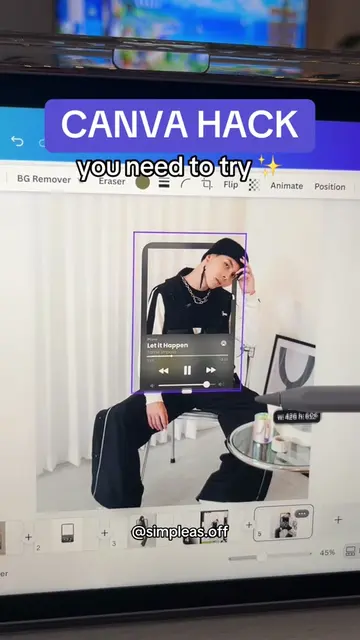
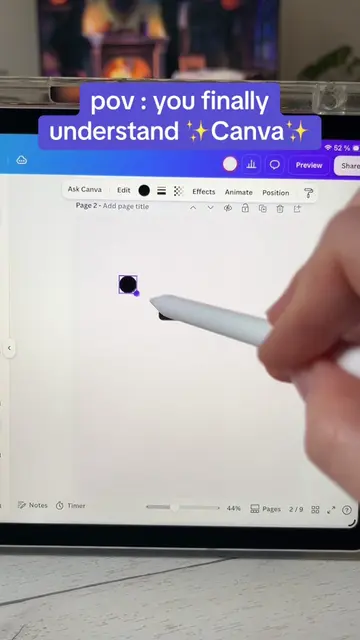
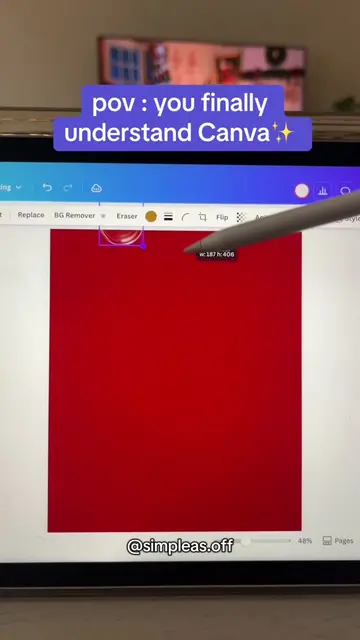
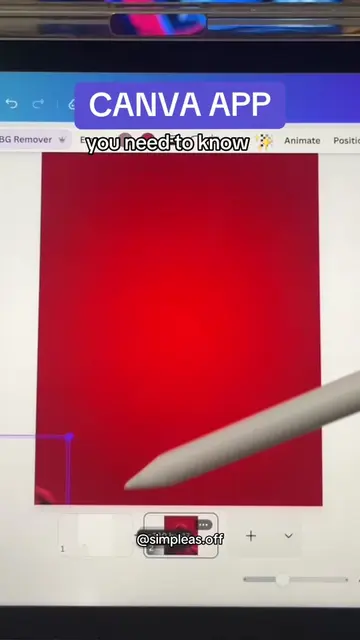
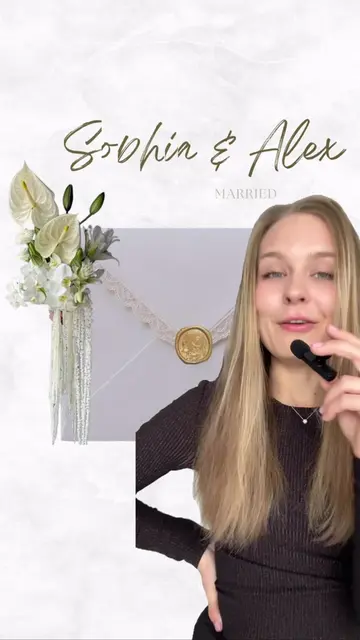
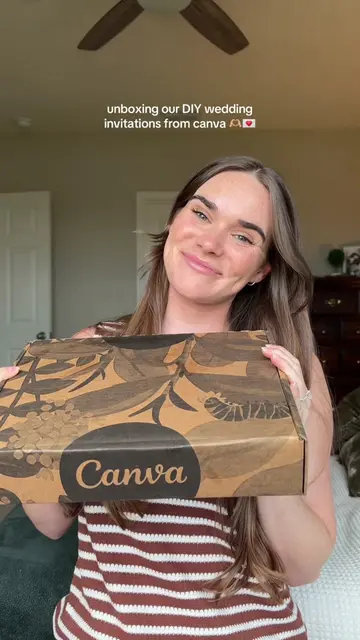
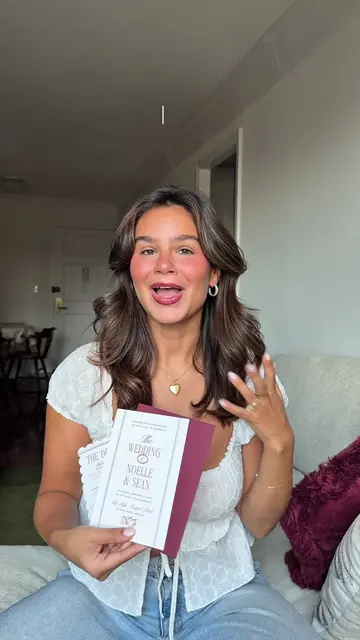
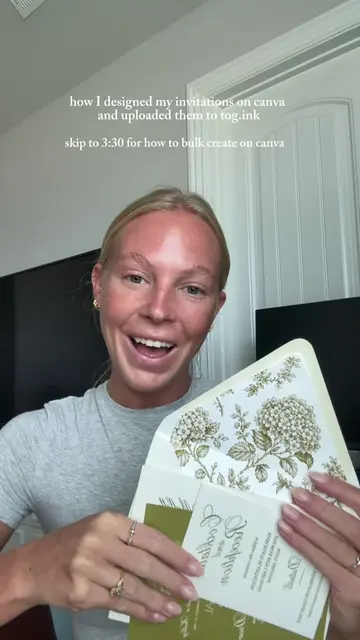
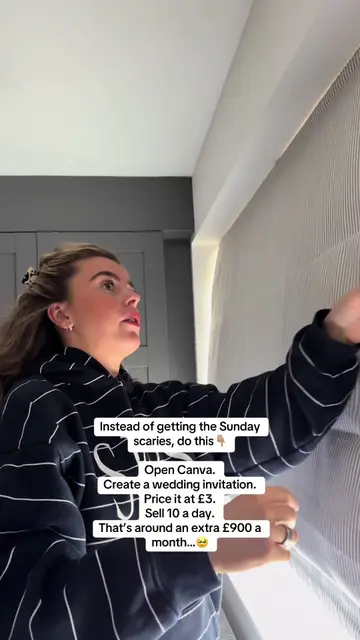
The creator demonstrates how to design a wedding invitation using Canva, then pivots to promoting their own guide of Canva tips and tricks.
Save this for your wedding inspo 🤍 #canvatutorial #canvatemplate #graphicdesign
pov : you just created your dream wedding invite
Demonstration of designing a wedding invitation in Canva
Showcasing specific Canva editing features
Transition to promoting a digital guide
Call to action to visit the link in bio
Canva: (a) ACTS — the creator uses its interface to design a wedding invitation, demonstrating features like background removal, element placement, and locking layers. Removing it would change the entire video. Stan Store: (b) APPEARS — the creator's bio link is a link aggregator that hosts the guide being promoted. Removing it would not change the video content, only the path to the product.
Get my TOP 100 CANVA TIPS & TRICKS GUIDE LINK IN BIO
Promotes 1 product. Create free account to see more.
Outliers and viral hits: their videos on Overshot, all time.
Digital guide teaching Canva tips and tricks to people designing graphics
All time.