Loading video…
All breakouts
94.2App DemoPOV / Skit hookCreator Economy
Hook
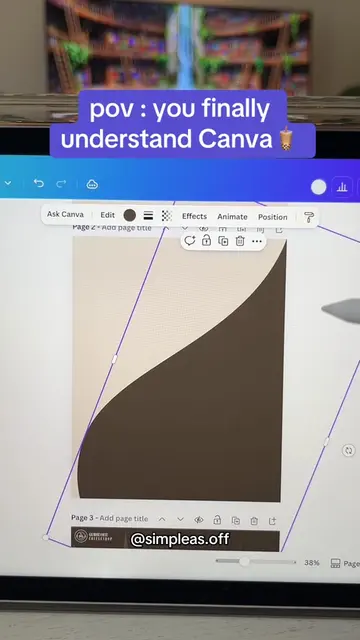
pov : you finally understand ✨Canva✨
@simpleas.off
613.8K followers · usually 11.6K views a post
Views
1.1M
Likes
84.4K
Comments
188
Shares
3.3K
Promoted product
Top 100 Canva Tips & Tricks Ebookhttps://stan.store/simpleasoff ↗
Why it worked
The video uses a 'pov' hook and a satisfying, fast-paced screen recording of a creative process to build authority, making the subsequent pitch for a tips-and-tricks guide feel like a natural extension of the value provided.
Summary
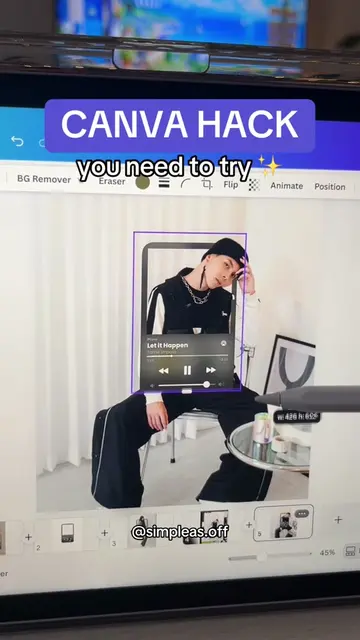
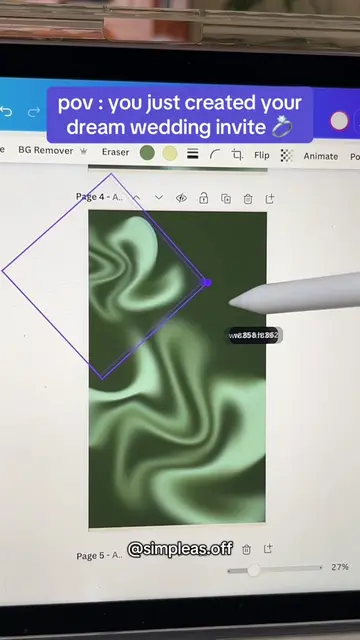
The creator demonstrates how to design a Halloween-themed graphic using various elements within the Canva interface. The video concludes by promoting a paid ebook containing Canva tips and tricks, with a call to action directing viewers to the link in their bio.
Structure
- 1Introduction to the Canva design process
- 2Layering elements to create a Halloween scene
- 3Applying animation effects to the design
- 4Revealing the final graphic result
- 5Pitching the Canva tips and tricks ebook
Product placement
Canva: (a) ACTS — the creator uses the interface to select elements, arrange them on a canvas, and apply animations to create a Halloween-themed graphic. Removing it would change the entire video as it is the tool being demonstrated. Top 100 Canva Tips & Tricks Ebook: (a) ACTS — the creator explicitly pitches this product as a guide for viewers to achieve similar results, and directs them to the link in bio to purchase it. Removing it would remove the promotional CTA.
Original caption
To help you create animations like this, I crafted a guide with 20+ detailed tutorials & 80+ Tips & Tricks to help you get even more out of Canva ✨Link in bio 🤍#canvatutorial #canvatemplate #graphicdesign
More from @simpleas.off
More breakout videos from this creator.