Loading video…
All breakouts 2 videos
383App DemoPOV / Skit hookCreator Economy
Hook
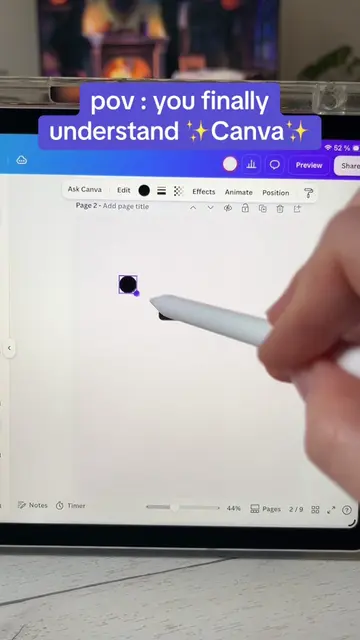
pov : you finally understand Canva 🍹
@simpleas.off
613.8K followers · usually 11.6K views a post
Views
4.4M
Likes
345.4K
Comments
314
Shares
13.3K
Promoted product
TOP 100 CANVA TIPS & TRICKS Guide/Ebook
Stan | Linksite
Why it worked
The video provides immediate, high-value utility by showing a specific design workflow, which builds trust before transitioning into a direct pitch for the creator's own product.
Summary
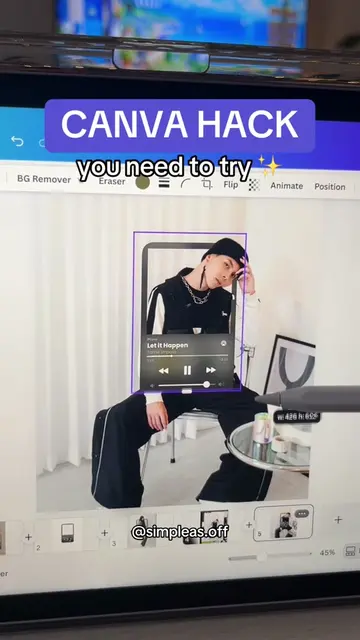
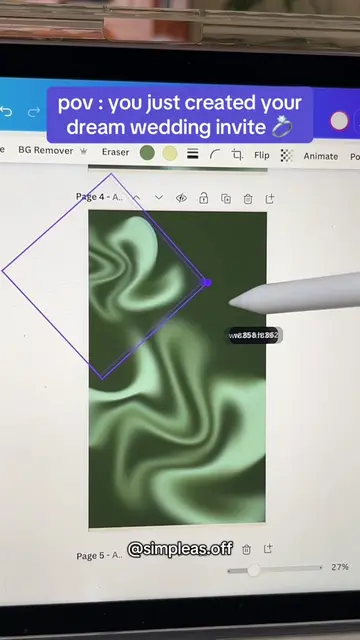
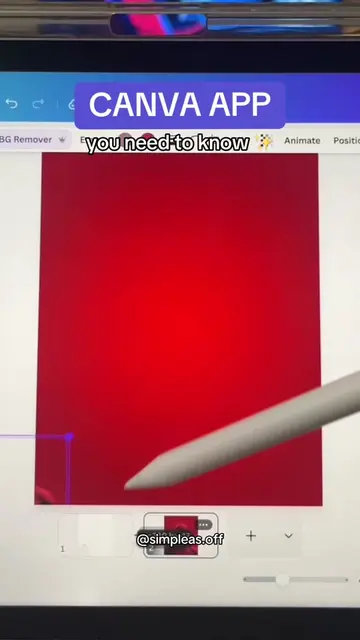
The creator demonstrates how to use Canva's interface to create a professional-looking drink menu design. They then transition to promoting their own digital guide, 'TOP 100 CANVA TIPS & TRICKS', which is available via the link in their bio.
Structure
- 1Demonstrating Canva design techniques
- 2Showcasing the final drink menu graphic
- 3Promoting the Canva tips and tricks guide
- 4Directing viewers to the link in bio
Product placement
(a) Canva ACTS: the creator uses its interface to edit, arrange, and animate graphic elements for a drink menu. Removing the app would make the video impossible as it is a screen recording of the software being operated. (b) Stan Store APPEARS: the creator's bio link leads to this platform, which is the sales route for the guide. Removing it would not change the video content.
Original caption
Let’s make your drinks presentations way more fun ✨ #canvatutorial #canvatemplate #graphicdesign
More from @simpleas.off
More breakout videos from this creator.