Loading video…
Sound

original sound - beauty.tech0
beautytech662 · Original audio
0:00–:––
Hook
Posted Aug 29, 2026Video · 1:01by @beauty.tech0
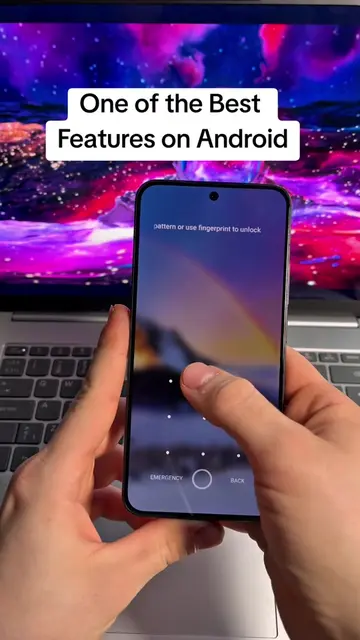
The video presents a clever, highly visual 'life hack' that solves a common user pain point (phone security) with a unique, dynamic feature that is instantly understandable.
The video demonstrates a mobile app called Time Password Lock that sets the phone's lock screen passcode to the current time, which changes every minute. The creator provides a step-by-step tutorial on how to find, download, and configure the app to secure a phone.
Title: Smart Screen Time Lock Setting You Should Know 🔐📱#ScreenTime #AndroidTips #PhoneSettings #SmartFeatures #TechTips
ये देखो, अभी टाइम हो रहा है 10:12 और मेरे फोन का पासवर्ड भी 10:12 ही है.
Demonstration of the time-based lock screen
Explanation of the security benefit
Instructions on how to find the app via social share
Alternative instructions to find the app via a specific website
Final setup steps within the app
(a) Time Password Lock (also referred to as Screen Lock): The app is operated throughout the video to demonstrate how to set a time-based lock screen. The interface is shown, the user selects settings, and the app's functionality is explicitly explained as a way to secure the phone. This ACTS. (b) Google: Appears as a search engine interface. Removing it would not change the video's purpose, as it is just a tool to find the app. (c) TikTok: The platform interface appears as the video is a repost. Removing it would not change the video's purpose.
Download the app from the website mentioned in the video.
Mobile app that uses the current time as a changing phone lock-screen passcode
All time.
Promotes 1 product. Create free account to see more.
Outliers and viral hits: their videos on Overshot, all time.