Loading video…
All breakouts
18.9App DemoCuriosity Gap hookConsumer Apps
Hook
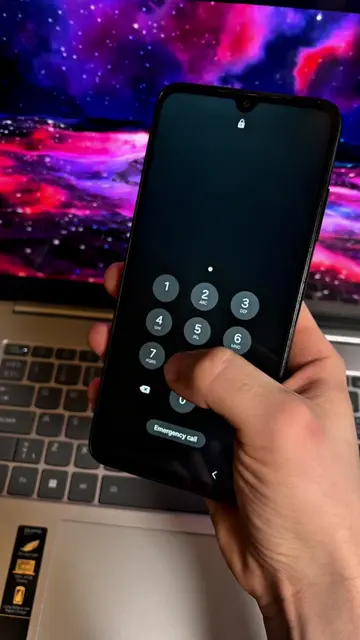
If I enter this password
@technoskil
1.1M followers · usually 119.7K views a post
Views
2.2M
Likes
122.6K
Comments
1.5K
Shares
8.8K
Promoted product
Xiaomi Second Space
Why it worked
The video highlights a practical and privacy-focused feature that many users may not be aware of, offering a clear benefit and a simple demonstration of its functionality.
Summary
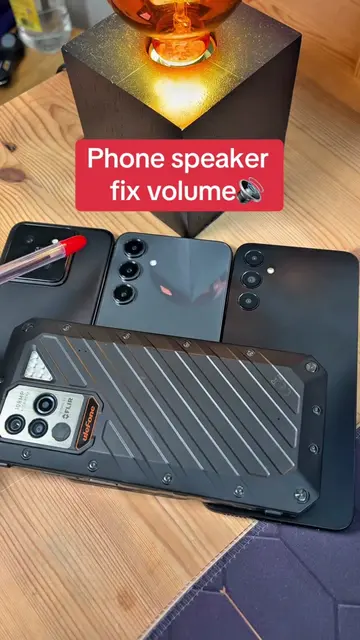
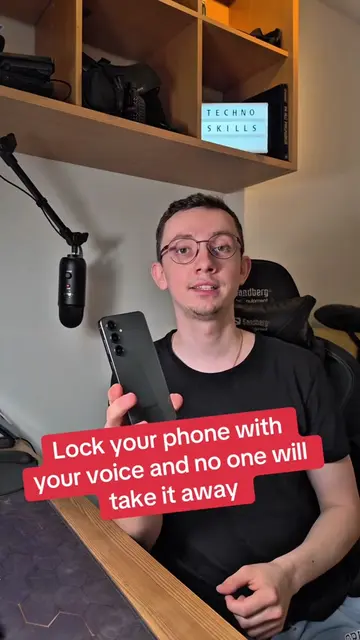
This video demonstrates the 'Second Space' feature on Xiaomi phones, which allows users to create a separate, password-protected profile to hide apps and data. The creator shows how to set up and switch between the two spaces using different fingerprints.
Structure
- 1Introduce the feature: two different lock screens.
- 2Demonstrate creating the second space.
- 3Set up a separate password and fingerprint.
- 4Show switching between the two spaces.
- 5Highlight the ability to hide files in the second space.
Product placement
Xiaomi (phone brand): ACTS - the phone is operated to demonstrate a feature. Removing it would change what happens in the video.
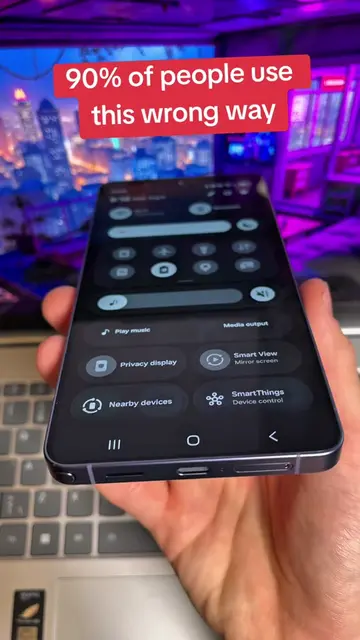
Samsung (phone brand): APPEARS - a Samsung phone is shown briefly for comparison. Removing it would not change what happens in the video.
On-screen text
One of the Best
Features on Android
Original caption
One of the Best Features on Android #settings #android #xiaomi #creatorsearchinsights
More from @technoskil
More breakout videos from this creator.