Loading video…
Sound

original sound - grilledbeefed_
morewayssssssss · Original audio
0:00–:––
Playing this video’s own audio, so you’ll hear the creator over the sound.
We didn’t find a product being promoted in this video. Its hook, format and structure below still show why it took off.
Browse products winning on TikTokThe video provides practical, actionable tips for a popular game, Minecraft, addressing a common player pain point of limited inventory management. The clear, concise explanations and visual demonstrations make the advanced techniques easy to understand and implement.
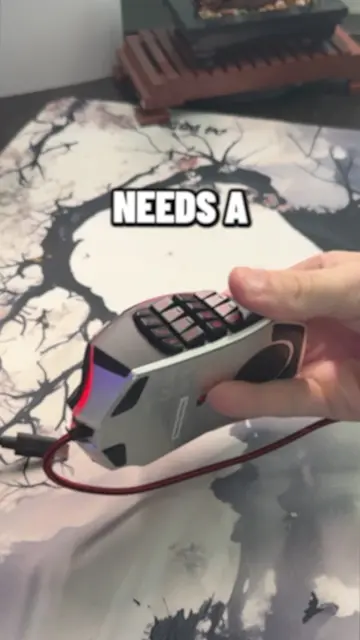
This Minecraft tutorial explains how to expand your hotbar functionality beyond the default 9 slots. It covers using the scroll wheel, remapping keys to letters, and utilizing the inventory's top middle slot and middle mouse button for quicker item access and organization.
These 9 slots
Introduction to the standard 9 hotbar slots
Exploring the possibility of 13 hotbar slots
Using the scroll wheel and remapping keys
Utilizing the inventory's top middle slot
Using the middle mouse button for quick swaps
Playing this video’s own audio, so you’ll hear the creator over the sound.
Promotes 4 products. Create free account to see more.
Outliers and viral hits: their videos on Overshot, all time.