Loading video…
Sound

original sound - dryhgixijxb
kiki · Original audio
0:00–:––
Playing this video’s own audio, so you’ll hear the creator over the sound.
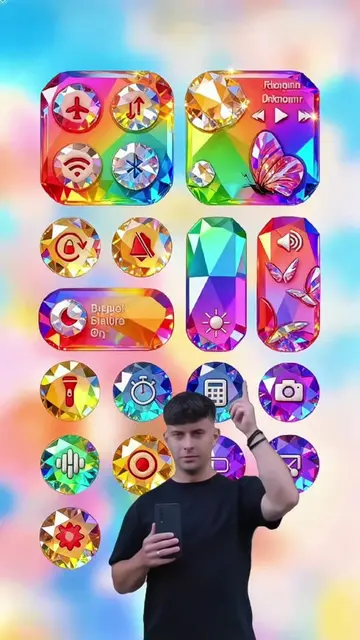
The video effectively showcases a creative and visually appealing use case for the Hypic app, demonstrating a desirable outcome (custom phone wallpaper) and providing a clear, actionable call to action to download the associated editing app, CapCut.
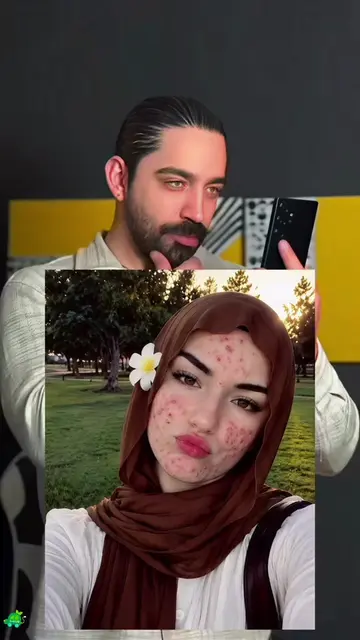
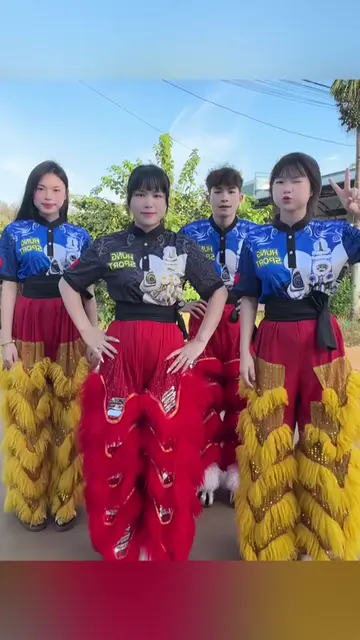
The video demonstrates how to use the Hypic app to create a custom phone wallpaper by applying a consistent filter style to photos. It shows the process of selecting photos, using the app's AI features to transform them, and then downloading CapCut to further edit the result.
Click the bottom left corner to download CapCut. Free of chargeTurn everything into the same filter style with AI. #hypic #hypiccreator #Godpic #DynamicWallpaper #mobilewallpaper@hypic_global @hypic_global
00:00
Showcase of phone wallpaper apps
Demonstration of Hypic app features
Applying AI filter to photos
Downloading and using CapCut for final edits
Resulting custom phone wallpaper
CapCut: ACTS - it is used to apply a filter to a photo, changing its appearance. Removing it would prevent the transformation. Hypic: ACTS - it is used to create a phone wallpaper. Removing it would prevent the creation of the wallpaper. TikTok: APPEARS - it is the platform where the video is hosted. Removing it would not change what happens in the video. Hypic Global: APPEARS - it is a tagged account. Removing it would not change what happens in the video.
Click the bottom left corner to download CapCut. Free of charge
Playing this video’s own audio, so you’ll hear the creator over the sound.
AI photo-editing app for people creating retouched and stylized images
Views and creators: posted in the last 30 days (all languages). Videos: all time.
Promotes 2 products. Create free account to see more.
Outliers and viral hits: their videos on Overshot, all time.