Loading video…
Sound

original sound - _horu_art_
Horu · Original audio
0:00–:––
Playing this video’s own audio, so you’ll hear the creator over the sound.
The video directly addresses a viewer's request for a tutorial, providing clear, step-by-step instructions for a visually interesting art effect. This format is highly engaging for aspiring artists looking to replicate specific styles.
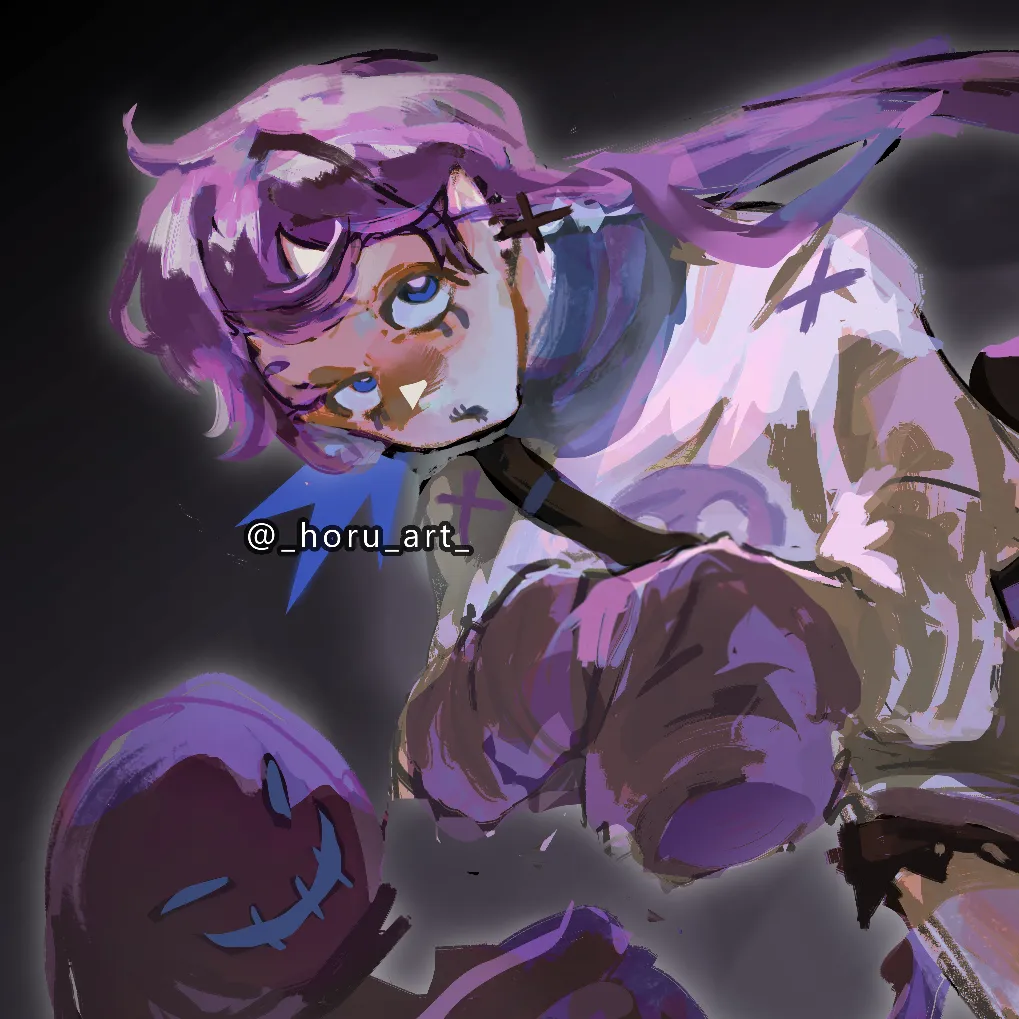
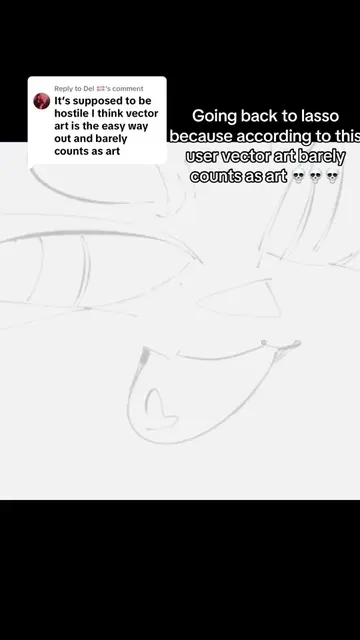
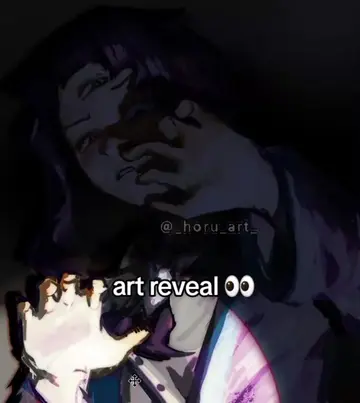
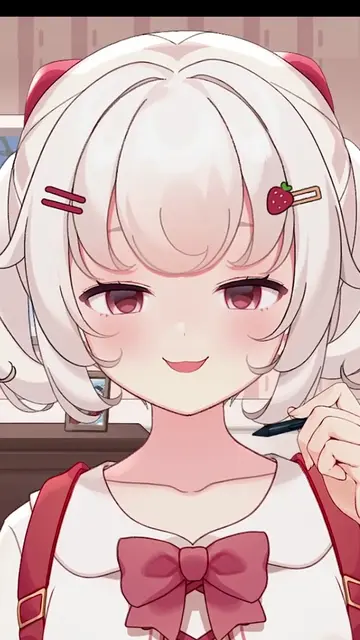
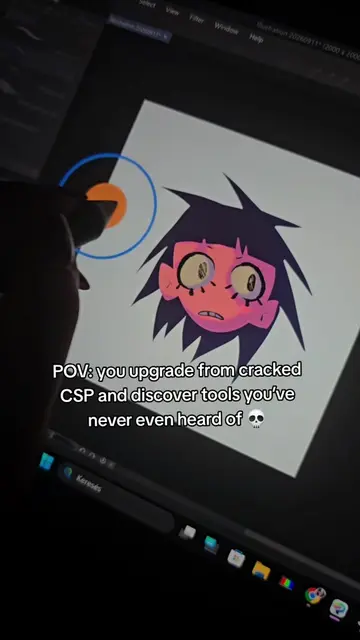
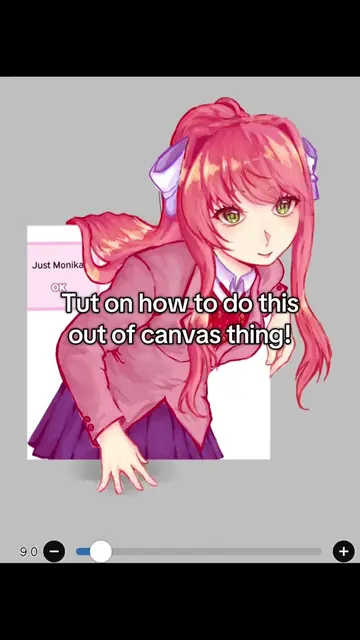
This video provides a tutorial on how to create a "reveal effect" for digital art using Krita. It demonstrates steps such as duplicating the drawing, manipulating layers, applying blur and color adjustments, and using clipping mode to achieve the desired visual outcome.
Replying to @thielennn hope you understood this tutorial 😙 #arttutorial #art #digitaldrawing #krita
Reply to thielennn's comment TUTORIAL PLS
Request for tutorial
Introduction to the reveal effect
Duplicate and position the drawing
Create and style a background circle
Apply clipping mask and liquefy effect
Final selection and completion
Krita: it is used to create the digital drawing and apply effects. Its interface is operated, and it generates the visual result shown in the video. Removing it would change what happens in the video.
Playing this video’s own audio, so you’ll hear the creator over the sound.
Promotes 1 product. Create free account to see more.
Outliers and viral hits: their videos on Overshot, all time.
Free digital painting software for artists
All time.