Loading video…
Sound

original sound - toluoflele
Tolulope Boy · Original audio
0:00–:––
Playing this video’s own audio, so you’ll hear the creator over the sound.
We didn’t find a product being promoted in this video. Its hook, format and structure below still show why it took off.
Browse products winning on TikTokThe video addresses a common user desire to transfer content between popular social media platforms, providing a clear, step-by-step tutorial that is easy to follow.
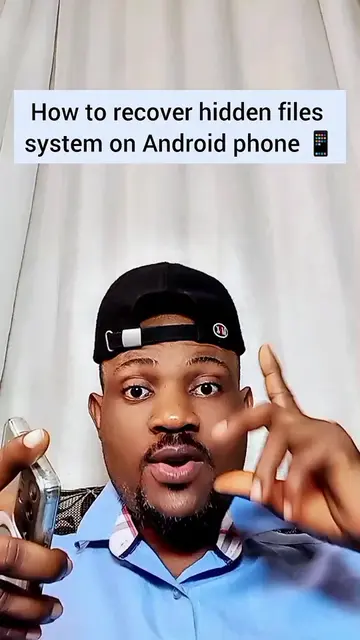
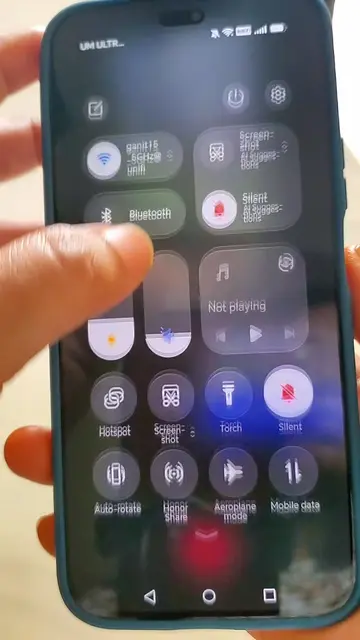
This video demonstrates how to move stickers from TikTok to WhatsApp. The creator explains the process involves screen recording the desired sticker on TikTok, then editing and cropping the recording within the phone's gallery before saving it as a sticker in WhatsApp.
How To Move Your Tiktok Stickers To Your WhatsApp #goviral #toluoflele
How To Move Your Tiktok Stickers To Your WhatsApp
Introduction and problem statement
Explanation of the process: screen recording on TikTok
Editing and cropping the screen recording
Saving the sticker in WhatsApp
Concluding remarks and encouragement
TikTok (app): used to create and find stickers. The video shows the TikTok interface and demonstrates actions within it. Removing it would change the video's context and instructions. WhatsApp (app): used to send stickers. The video shows the WhatsApp interface and demonstrates actions within it. Removing it would change the video's context and instructions.
Playing this video’s own audio, so you’ll hear the creator over the sound.
Promotes 3 products. Create free account to see more.
Outliers and viral hits: their videos on Overshot, all time.