Loading video…
Sound

original sound - santytalks
Santy Gil · Original audio
0:00–:––
Playing this video’s own audio, so you’ll hear the creator over the sound.
The video taps into the desire for cost-effective solutions for self-hosting and building a home lab, appealing to users looking to save money on cloud services. The specific product recommendation with clear specs and a low price point makes it highly actionable.
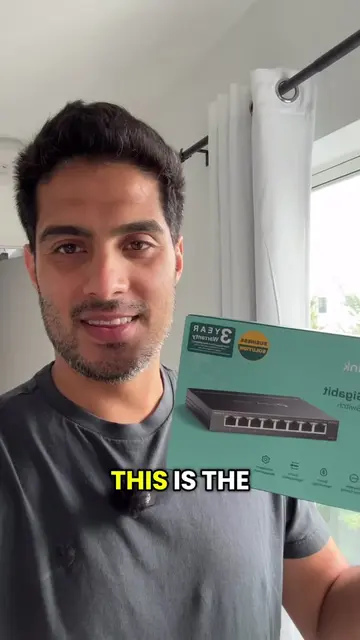
The creator recommends the Dell OptiPlex 7060 Micro as a powerful and affordable machine for a home lab, highlighting its specs and low cost. They plan to use it to host multiple websites for free, saving money on cloud hosting services.
Can you build a high-performance homelab for just $200? I picked up a Dell OptiPlex 7060 Micro equipped with an Intel Core i7 (6 cores / 12 threads), 16GB RAM, and dual storage to finally upgrade my overloaded Raspberry Pi and kick off my mini server rack build. In this video, I break down why 1-liter enterprise mini PCs are the ultimate bang-for-your-buck hardware for self-hosting in 2026. We cover the exact hardware specs, price-to-performance breakdown, and the complete roadmap for installing Proxmox VE to run LXC containers, Docker VMs, databases, and local AI workloads alongside a Jetson Orin Nano. Hardware Specs & Deal Breakdown: • Dell OptiPlex 7060 Micro ($200 find) • Intel Core i7-8700T (6 Cores / 12 Threads) • 16GB DDR4 RAM (Upgradable to 64GB) • 256GB NVMe SSD (Proxmox Boot Drive) + 1TB 2.5" HDD (Storage/Backups) What We’re Building: 1. Why 1L mini PCs beat Raspberry Pis for serious workloads 2. Unboxing, teardown, and upgrade potential (RAM & dual storage) 3. Proxmox VE installation walkthrough 4. Fleet architecture: Pairing the OptiPlex with an n8n automation engine, databases, and a Jetson Orin Nano Are you running mini PCs in your homelab, or are you still team full-tower? Drop your current setup in the comments below! 🔔 Don't forget to Like and Subscribe to follow the mini rack build series! #HomeLab
THIS IS THE FIRST
Introduction of the recommended machine
Highlighting specs and affordability
Explaining the use case for hosting websites
Call to action for a follow and future content
Dell OptiPlex 7060 Micro: ACTS - it is a computer that the creator is using to host websites and run a home lab. Removing it would change what happens in the video. Facebook Marketplace: APPEARS - it is a platform where the creator bought the computer. Removing it would not change what happens in the video. Google: ACTS - it is a service that the creator is paying for to host websites. Removing it would change what happens in the video.
If you made it this far, drop me a follow. I'm gonna show you how to build my home lab with very cheap stuff and very powerful machines. And it's gonna run my 4-5 websites that I have and absolutely free. Cause you know, I need to stop paying Google like $50 a month to host all my stuff.
Playing this video’s own audio, so you’ll hear the creator over the sound.
Compact desktop computer for home lab users and small server setups
All time.
Promotes 1 product. Create free account to see more.
Outliers and viral hits: their videos on Overshot, all time.