Loading video…
All breakouts

13.7Talking HeadOther hookConsumer Apps
Hook
2 days ago...
@arkitechnology
893.3K followers · usually 30.5K views a post
Views
410.0K
Likes
36.4K
Comments
125
Shares
763
Promoted product
ZimaOSzimadevs.com
Why it worked
The video taps into the growing trend of 'self-hosting' and 'homelabbing' by providing a beginner-friendly guide to setting up a home server with ZimaOS. It addresses common pain points like data ownership and de-Googling, making the topic relatable and actionable for a tech-savvy audience.
Summary
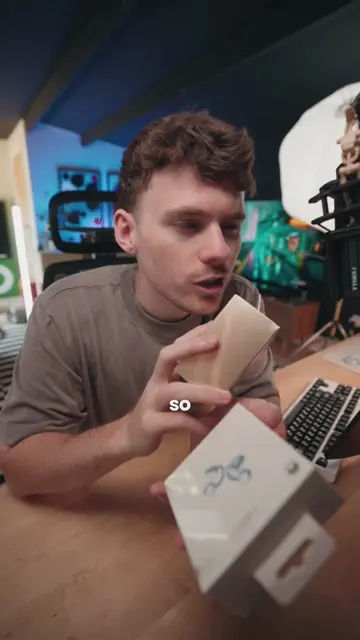
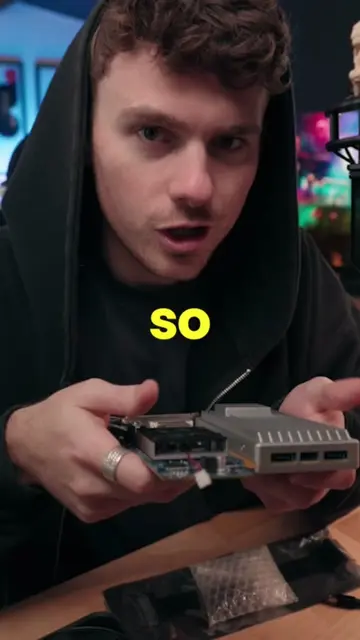
The creator explains the initial steps to set up a home lab using ZimaOS. They cover the necessary hardware, like an old laptop or a single-board server, and guide viewers through downloading and installing ZimaOS from a USB drive.
Structure
- 1Introduction to the homelab rabbit hole
- 2Hardware requirements (old laptop, spare PC, or single-board server)
- 3Introducing ZimaOS as the chosen software
- 4Downloading and flashing ZimaOS onto a USB drive
Original caption
Replying to @AxylumGaming lets get set up 😎🧪 welcome to ep.1 of how to homelab - We're gonna be using ZimaOS a beginner friendly solution that should tick most of our boxes for some fun IT experiments / projects (hopefully gets everyone on the same page now) lmk if you have any questions 🙏 #homelab #nas #Tech #pc
More from @arkitechnology
More breakout videos from this creator.