Loading video…
Sound

original sound - nabz3400
nabz3400 · Original audio
0:00–:––
Playing this video’s own audio, so you’ll hear the creator over the sound.
The video taps into the 'aesthetic productivity' trend, showing a highly organized, visually satisfying digital workflow that appeals to book lovers who want to gamify their reading habits.
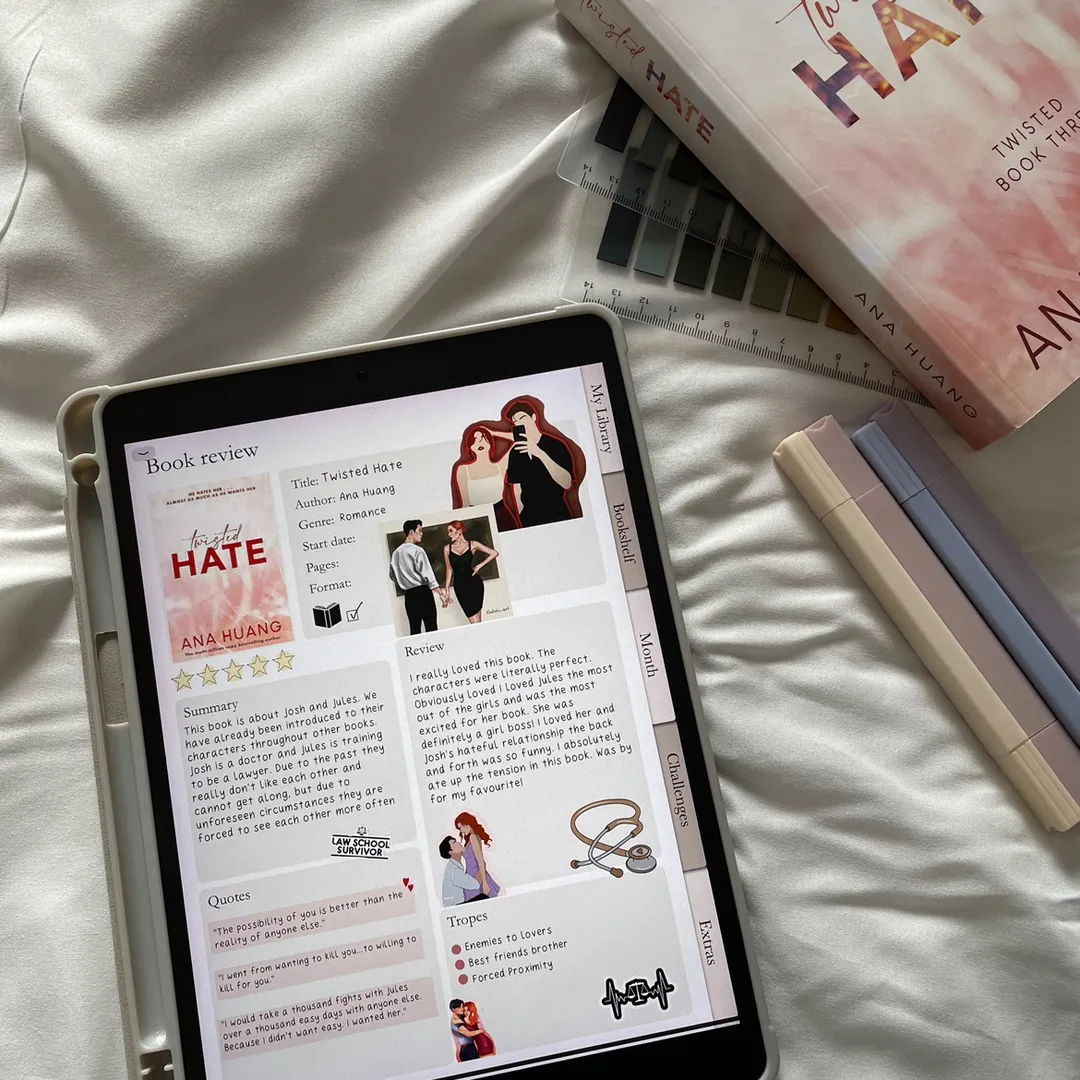
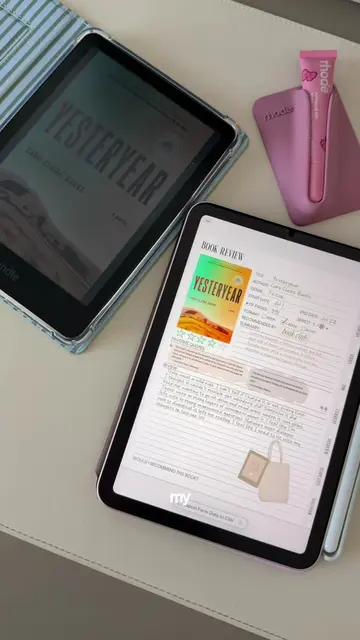
The creator demonstrates how they use a digital reading journal template on their iPad to track their book library, reviews, and reading progress. The video highlights the template's features, including book ratings, trope tracking, and quote logging.
Loved this series! ✨Reading Journal Template linked in bio 🤍 #journalwithme #romantasy #readingjournal #bookjournal
The only reason I wanted an iPad ✨
Unboxing/setting up the iPad and stylus
Opening the digital reading journal template
Navigating the library and book rating system
Filling out a book review and adding quotes
Using the crop tool to add book cover art
(a) Nyxia Journals Reading Journal Template ACTS — it is the primary interface being operated, edited, and filled out with book data throughout the video. Removing it would change the entire video. (b) iPad APPEARS — it is the hardware used to run the template. Removing it would not change the video's purpose, as the template is the focus. (c) Apple Pencil APPEARS — it is the input tool. Removing it would not change the video's purpose.
Reading Journal Template linked in bio
Playing this video’s own audio, so you’ll hear the creator over the sound.
Digital reading journal template for readers tracking books, reviews, and progress
All time.
Promotes 1 product. Create free account to see more.
Outliers and viral hits: their videos on Overshot, all time.