Loading video…
All videos Locked — part of Pro; create a free account to start.Open on TikTokPro
No preview available yet
Views
25.0K
Likes
531
Comments
26
Shares
178
Engagement
2.9%
of views
11.3xthis account’s usual viewsOutlier
This video25.0KUsual views2.2K
The product
Not selling anything
No product promoted
We didn’t find a product being promoted in this video. Its hook, format and structure below still show why it took off.
Browse products winning on TikTokThe creator
We’re still analyzing this post.
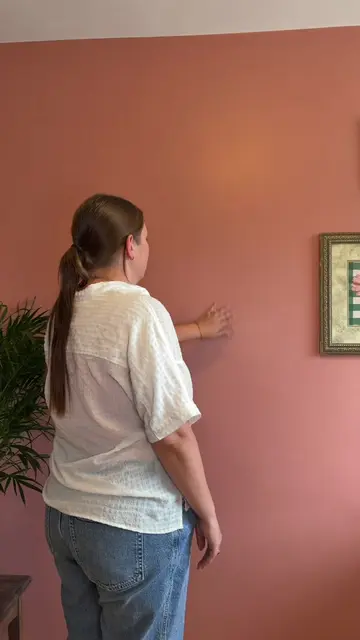
Original caption
Pinch zoom txt tutorial 📱🧚✨ steps below: 1. Record yourself pretending to wipe and zoom on Camara lens, I use the grid lines to make sure I’m doing these motions where I want my txt 2. Go into CapCut and add your txt. Switch to whatever colour and then go to spacing and go to line to make the txt not so far apart from each other. 3. Make the txt really small 4. Add a wiping sound. I added a fade to the end so it doesn’t sound so harsh. 5. Once you start zooming with your fingers this is where you want to use keyframes. Click on the txt, and add a keyframe at the very beginning, then scroll over to where your fingers are all the way open and add another keyframe, this is how you add movement to your txt, and as you keep zooming with your fingers you keep adding keyframes until you are finished! 6. Add a whoosh sound to each movement! And that’s it! Happy editing!!! Make sure to follow for more editing tips 🤍✨ #ugc #ugccontentcreator #ugccommunity #editingtutorial #editingtips