Loading video…
All videos Locked — part of Pro; create a free account to start.Open on TikTokPro
No preview available yet
Views
83.8K
Likes
7.3K
Comments
186
Shares
1.1K
Engagement
10%
of views
38xthis account’s usual viewsOutlier
This video83.8KUsual views2.2K
The product
Not selling anything
No product promoted
We didn’t find a product being promoted in this video. Its hook, format and structure below still show why it took off.
Browse products winning on TikTokThe creator
We’re still analyzing this post.
Original caption
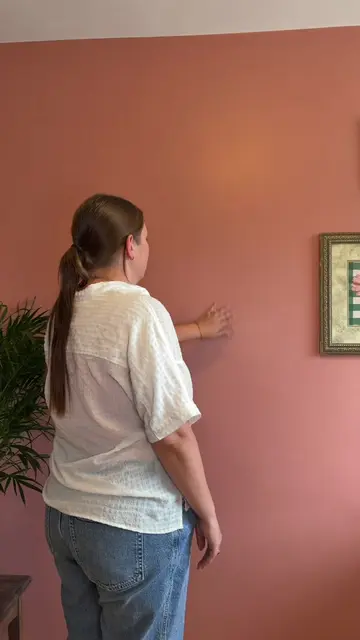
floating object effect tutorial 📱🧚✨ steps below: 1. record a video of you standing and looking around like you got objects floating around your head 2. import your clip into CapCut, and then add your items as an overlay. For what to pick just do whatever your niche is, for example I did creator products but if you’re into fashion do shoes or whatever your little heart desires 3. once you have all your items as overlays, press remove background and repeat on all of them 4. next position the objects in a circle around your head, keep repeating until it looks something like this. 5. now you want to use keyframes, go to beginning of video, press that diamond looking feature, then move forward and move each object ever so slightly clockwise, its slightly tedious but worth it. 6. keep repeating until you’re finished. make sure to follow so you don’t miss the next tutorial! 🤍 #ugc #ugccontentcreator #editingtutorial #capcut #tutorial