Loading video…
All breakouts
145App DemoPOV / Skit hookCreator Economy
Hook
Pov:nak tengok berapa sebulan spend duit
@templif.design
2.4K followers · usually 2.2K views a post
Views
307.9K
Likes
25.4K
Comments
157
Shares
3.2K
Promoted product
Money Tracking 2
Why it worked
The video solves a common friction point—tracking expenses—by demonstrating a seamless, time-saving automation that works directly from the phone's lock screen.
Summary
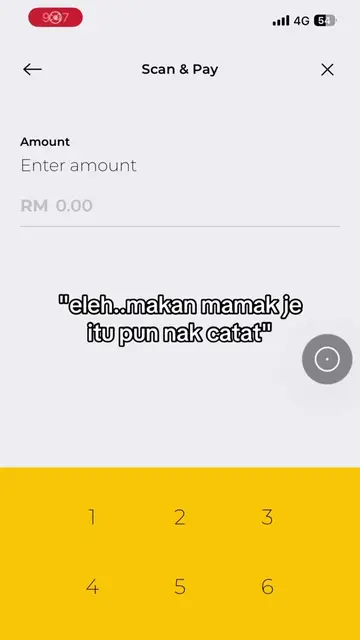
The creator demonstrates a custom iOS shortcut called Money Tracking 2 that allows users to log expenses directly from their lock screen. The logged data is then automatically synced to a Google Sheet for financial tracking.
Structure
- 1User opens expense logging shortcut from lock screen
- 2User inputs expense details into the shortcut interface
- 3Shortcut automatically updates a Google Sheet
- 4Creator shows the final financial dashboard in Google Sheets
Product placement
(a) Money Tracking 2 (Shortcut): The user operates this iOS shortcut from their lock screen to log expenses. It is the primary tool demonstrated. (b) Google Sheet: The data from the shortcut is automatically populated into this spreadsheet. It is the destination for the data. (c) Spotify, Utilities, Google, Clock: These appear as icons on the home screen. They are incidental and do not act.
On-screen text
Pov:nak tengok berapa sebulan spend duit
tak buka lock screen dah boleh key in catatan
auto masuk ke Google Sheet
Original caption
😼
More from @templif.design
More breakout videos from this creator.