Loading video…
Sound

original sound - noahpranks99
Noah · Original audio
0:00–:––
- Videos using it
- 30
- Creators
- 25
- Views on those videos
- 12.8M
The video solves a relatable pain point—tracking personal finances—by demonstrating a seamless, automated workflow that makes the product look like a massive time-saver.
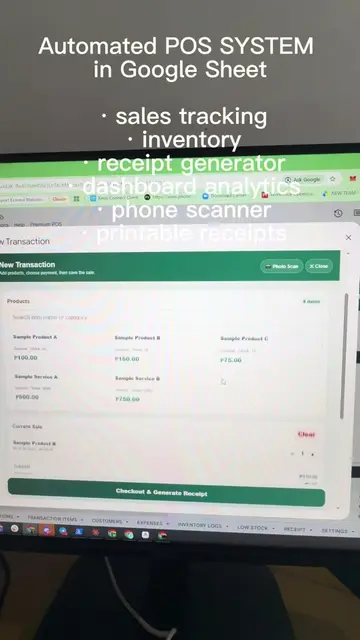
The creator demonstrates how to use a custom iOS shortcut to quickly log shopping expenses into a Google Sheets template. The template automatically updates financial reports and expense categories.
senang jeee
POV:Shopping baju
POV shopping at a clothing store
Logging the expense via an iOS shortcut
Showing the automatic calculation in Google Sheets
Displaying the final financial dashboard
(a) Google Sheets: ACTS; the interface is operated to automatically calculate expenses and generate financial reports. (b) Shortcut (iOS): ACTS; the interface is operated to input transaction data into the spreadsheet. (c) Brands Outlet: APPEARS; the store logo is visible on the wall and the shopping bag. Removing it would not change the video's function as a demo of the spreadsheet template.
Tekan link dibawah
Promotes 1 product. Create free account to see more.
Outliers and viral hits: their videos on Overshot, all time.
Google Sheets expense-tracking template for people managing personal finances
All time.