Loading video…
Sound

original sound - noahpranks99
Noah · Original audio
0:00–:––
- Videos using it
- 30
- Creators
- 25
- Views on those videos
- 12.8M
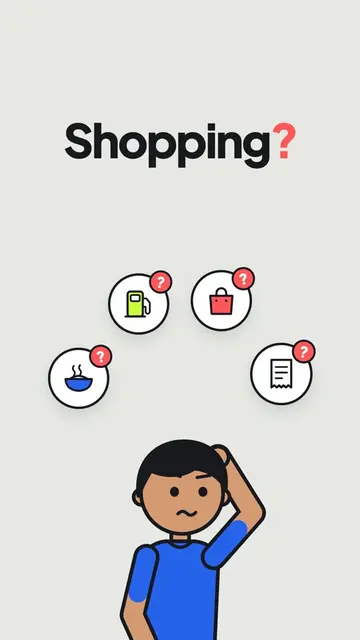
The video solves a universal pain point—manual expense tracking—by demonstrating a high-utility, time-saving automation that feels like a 'life hack' for personal finance.
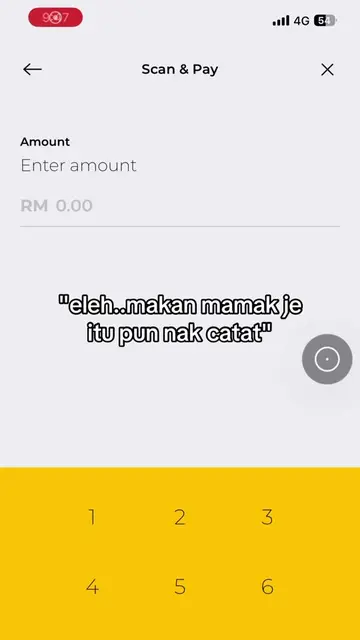
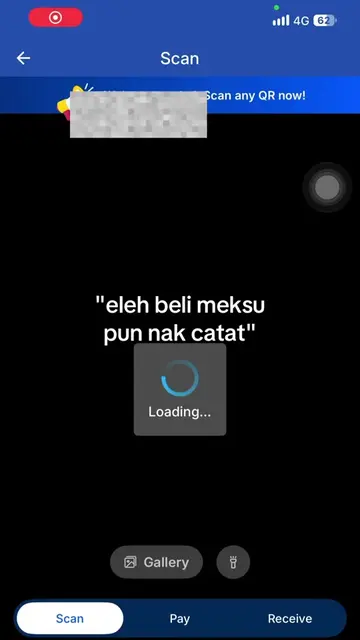
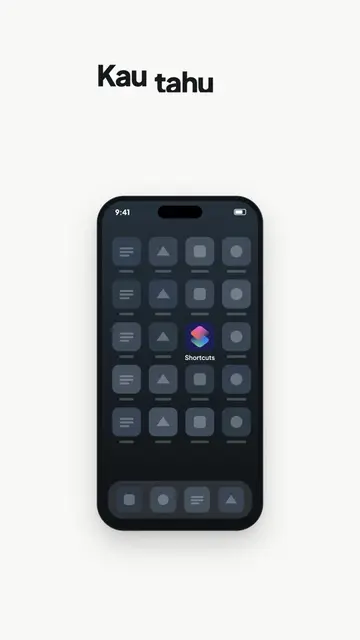
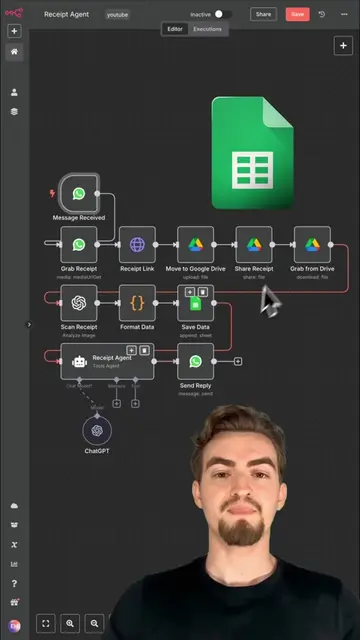
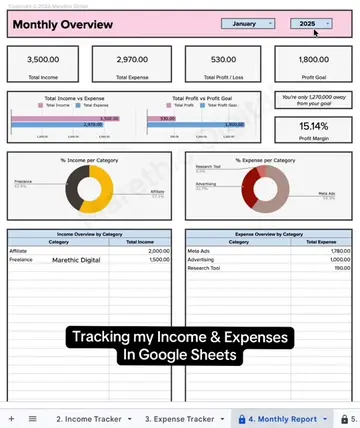
The creator demonstrates a custom iPhone Shortcut called 'My Money Go' that automatically logs expenses into a Google Sheet immediately after making a purchase. The video showcases the seamless integration between the payment notification and the automated financial tracking system.
harap ii tak boros dah lepasni🫠
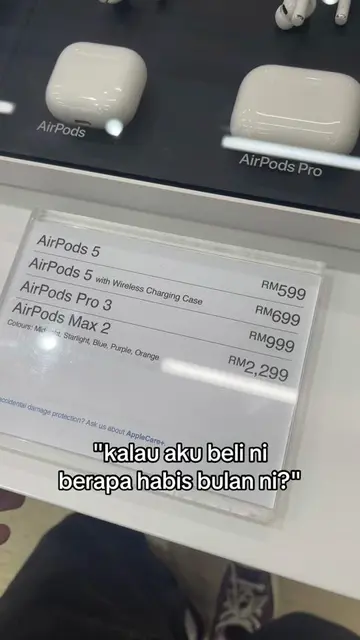
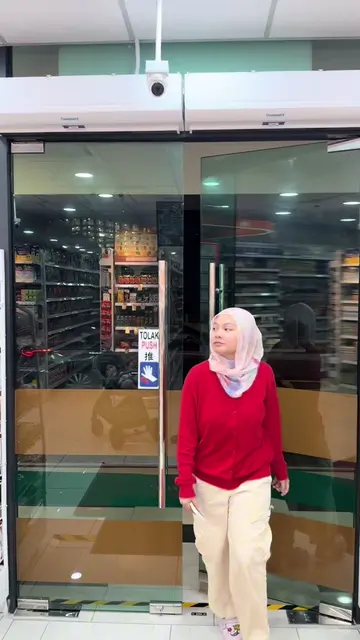
Pov:lepas beli barang
User completes a purchase on TikTok
User opens the My Money Go shortcut
User inputs expense details into the shortcut interface
Data automatically updates in the Google Sheet
Final view of the organized financial dashboard
(a) My Money Go (Shortcut): ACTS — the creator operates this interface to log an expense, which then automatically populates a spreadsheet. Removing it would change the video's core demonstration. (b) TikTok: APPEARS — the app icon is visible on the home screen as the source of the purchase. (c) Google Sheets: ACTS — it receives the data from the shortcut and displays the updated financial records. (d) BIMB (Bank Islam Malaysia Berhad): APPEARS — a notification banner for a successful payment.
Promotes 1 product. Create free account to see more.
Outliers and viral hits: their videos on Overshot, all time.
IPhone Shortcut that logs purchase expenses to Google Sheets for people tracking spending
All time.