Loading video…
Sound

original sound - 2tqhuwu3
2tqhuwu3 · Original audio
0:00–:––
Playing this video’s own audio, so you’ll hear the creator over the sound.
Hook
Posted Sep 26, 2026Video · 1:01by @2tqhuwu3
The video solves a common, frustrating problem for mobile content creators (blurry focus) with a simple, actionable 'hidden' setting, making the advice highly valuable and shareable.
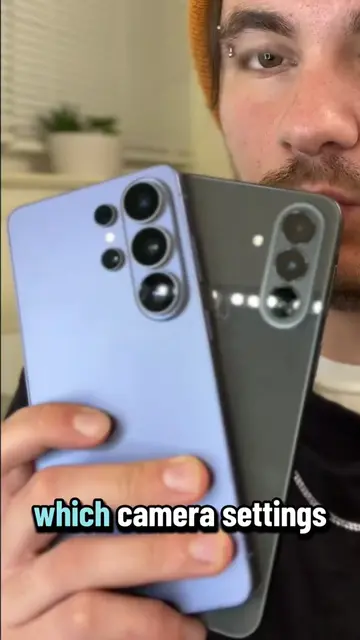
The creator demonstrates how to enable the 'Auto focus tracking' feature within the Samsung Camera app to ensure subjects remain in focus while recording video. He also recommends enabling video stabilization for better quality content.
Discover one of the best camera features on Samsung phones that keeps your subjects in focus, even while moving! Perfect for capturing content without interruptions. Learn how to enable this automatic focus feature in your settings! #SamsungCamera #TechTips #MobilePhotography #FocusFeature #VideoRecording
Mucha gente con teléfono Samsung no saben que una de las mejores funciones de la cámara viene desactivada.
Identify the hidden camera feature
Show how to enable auto focus tracking in settings
Demonstrate the feature by moving objects
Explain the benefit for content creation
Recommend enabling video stabilization
Call to action to follow for more tips
(a) Samsung Camera (the camera app on the Samsung phone) ACTS: the creator demonstrates how to navigate its settings menu to enable 'Rastreo con enfoque automático' (Auto focus tracking) and shows the resulting focus lock on various objects. Removing this would change the video entirely as it is a tutorial on this specific feature. (b) Samsung (the brand) APPEARS: as the manufacturer of the phone being used.
Si quieres seguir aprendiendo más sobre teléfono, sígueme.
Playing this video’s own audio, so you’ll hear the creator over the sound.
Promotes 1 product. Create free account to see more.
Outliers and viral hits: their videos on Overshot, all time.
Phone camera app for Samsung users adjusting photo and video settings
All time.