Loading video…
Sound

original sound - teachingtts
Teaching TTS · Original audio
0:00–:––
Playing this video’s own audio, so you’ll hear the creator over the sound.
We didn’t find a product being promoted in this video. Its hook, format and structure below still show why it took off.
Browse products winning on TikTokThe video addresses a common, high-friction pain point for a specific user base (Sony camera owners) with a simple, actionable technical solution.
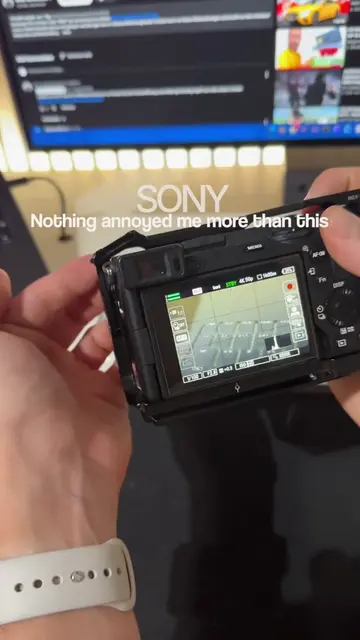
The creator demonstrates how to transfer video files from a Sony camera to an iPhone using a USB-C cable and the camera's MTP mode. This tutorial provides a quick workflow for mobile content creators to move footage for social media posting.
This is how to easily get the files from your Sony camera onto your phone so that you can post them on social media fast. #sonycamera #fx3 #zve1 #a7v #a7iv
How do Sony users NOT know this?! 🤯🤯🤯
Identify the problem of slow file transfer
Connect camera to phone via USB-C
Select MTP mode on camera
Import files using the phone's Photos app
Sony camera (a7iv, ZV-E1, FX3 mentioned in caption) — ACTS: the interface is operated to select MTP mode for file transfer. Removing it would change the video. DJI Mic — APPEARS: clipped to the creator's shirt. Removing it would not change the video.
Playing this video’s own audio, so you’ll hear the creator over the sound.
Outliers and viral hits: their videos on Overshot, all time.