Loading video…
Sound

original sound - julfikar_5200
𝗝𝘂𝗹𝗳𝗶𝗸𝗮𝗿 𝗩𝗮𝗶 ⚡ · Original audio
0:00–:––
Playing this video’s own audio, so you’ll hear the creator over the sound.
This video promotes it, but we haven’t matched it to a product page yet, so there are no product figures.
The video solves a specific, common user frustration regarding profile customization by offering a direct, actionable workaround that feels like a 'secret' or 'pro' tip.
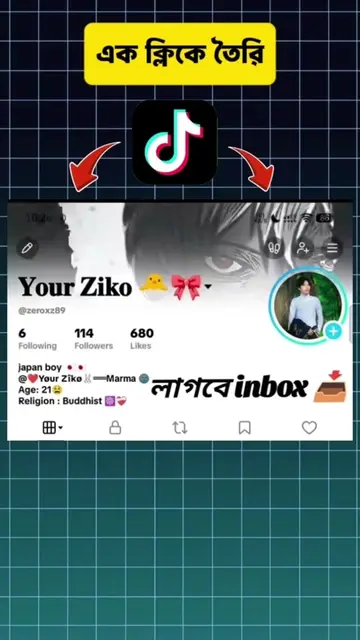
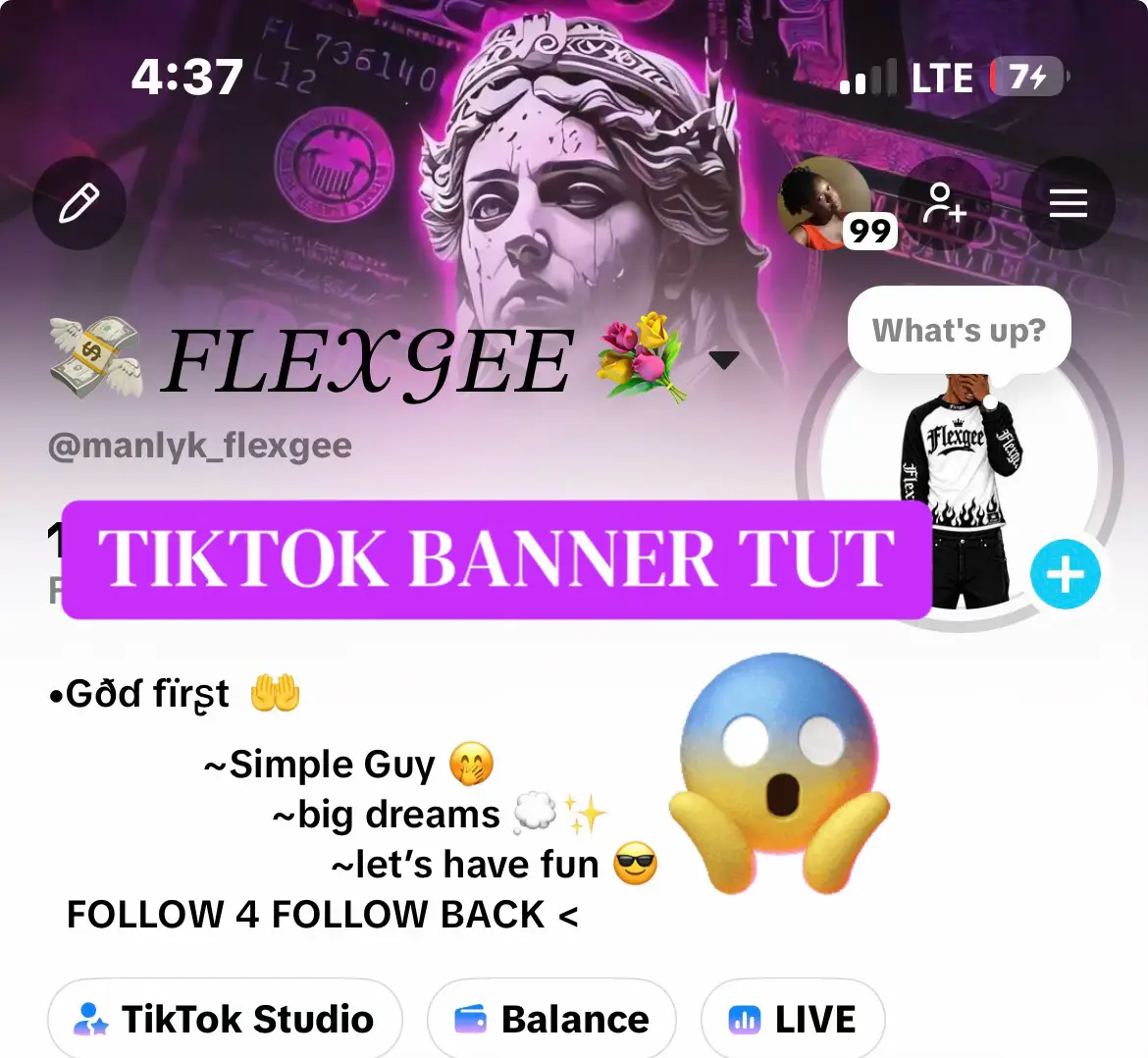
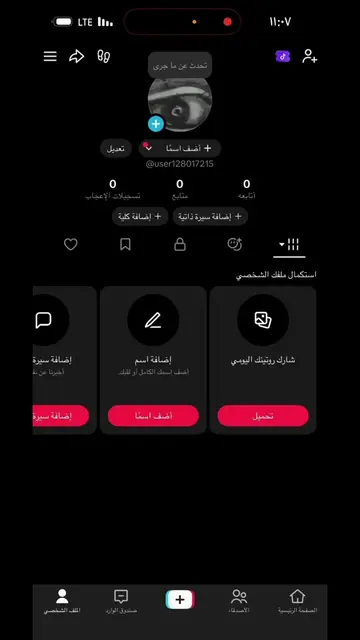
The creator demonstrates how to change a TikTok profile cover photo or banner by using a specific modified version of the app distributed through their Telegram channel. The video provides a step-by-step tutorial on downloading and installing this version to access the profile customization feature.
Tiktok banner / Cover photo Set Tutorial.⚙️💥 #julfikar_vai #julfikar #Sandwip #julfikar5200 #julfikar_editz_zone #fypvairal #fyp #bdtiktok #growmyaccount #unfrezemyaccount #fyp #newtrand #tiktokcover #tiktoktrand
Heyy Everyone.
Greeting and introduction to the tutorial
Instruction to join the creator's Telegram channel
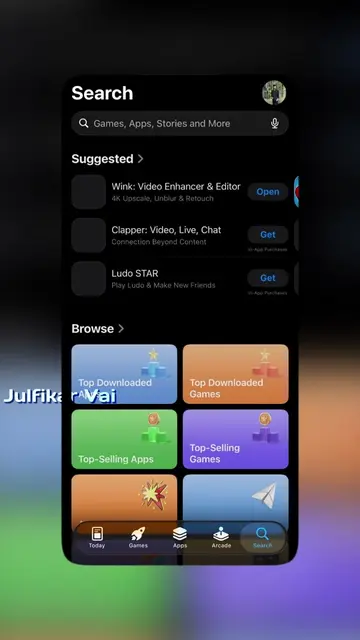
Downloading and installing the modified TikTok app
Logging into the account
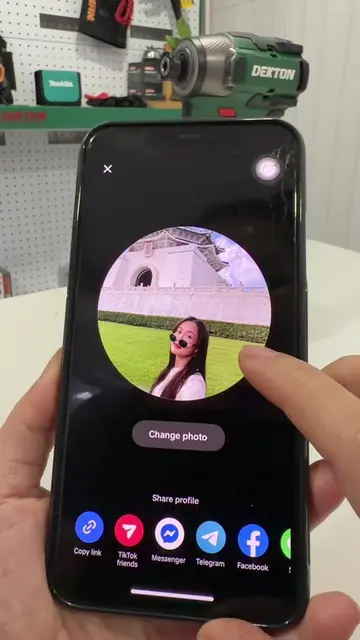
Demonstrating how to change the profile banner
Closing with a call to follow
TikTok (a) ACTS: the creator demonstrates how to change the cover photo and banner within the app interface. Removing this would change the entire video. Telegram (a) ACTS: the creator uses it to distribute a modified version of the TikTok app. Removing this would change the video's instructions. Shadow rocket (a) ACTS: mentioned as a tool available in the Telegram channel. Alightmotion (a) ACTS: mentioned as a tool available in the Telegram channel. Capcut (a) ACTS: mentioned as a tool available in the Telegram channel.
follow
Playing this video’s own audio, so you’ll hear the creator over the sound.
Promotes 2 products. Create free account to see more.
Outliers and viral hits: their videos on Overshot, all time.